
Free tool
PNG to TIFF Converter for Journal Figures
Convert PNG to TIFF without losing a pixel: every value in your PNG goes into an 8-bit TIFF with lossless LZW compression and the DPI you choose. Keep transparency or flatten it onto white, convert JPEG and WebP figures too, and download one TIFF or a ZIP of several. The conversion runs in your browser, so your figures are never uploaded.
- Runs in your browser, nothing uploaded
- Lossless LZW compression
- Keep the DPI or set 300, 600 or 1,000
- Several files at once, as a ZIP
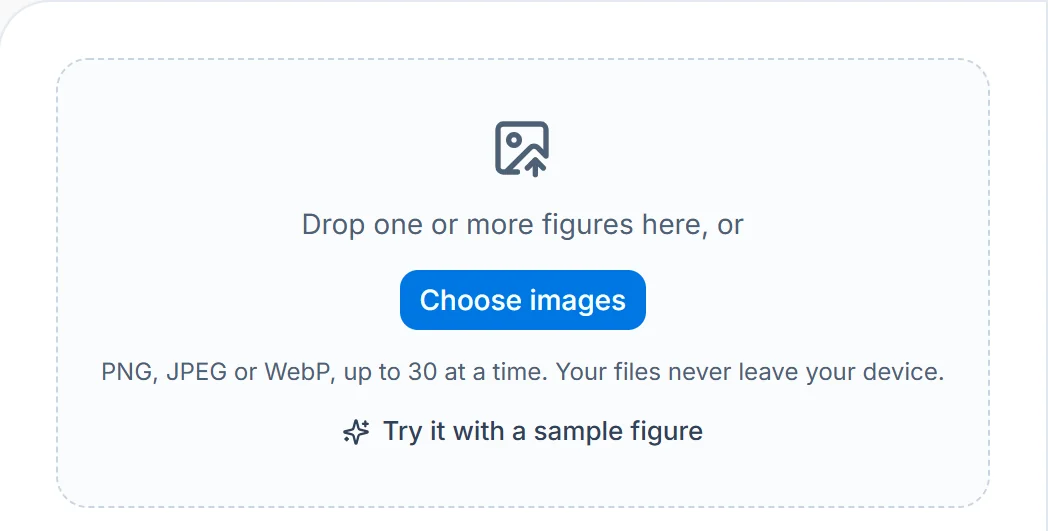
Drop one or more figures here, or
PNG, JPEG or WebP, up to 30 at a time. Your files never leave your device.
What the TIFF contains
- PixelsEvery pixel of a PNG, exactly as stored
- ColorRGB, or grayscale for gray images, 8 bits per channel
- TransparencyKept as alpha, or flattened onto white
- CompressionLZW (lossless), or none
- DPIKept from the source, or 300, 600, 1,000 or your own value
- Color profileA PNG’s embedded ICC profile is carried over
How to use it
Convert PNG to TIFF in three steps
Add your figures, choose compression, DPI and transparency, then download one TIFF or a ZIP. The conversion runs in your browser.
 1
Add your figures
Drop PNG, JPEG or WebP files on the box or choose them, up to 30 at a time. Each one is converted as soon as it is read.
 2
Choose the TIFF settings
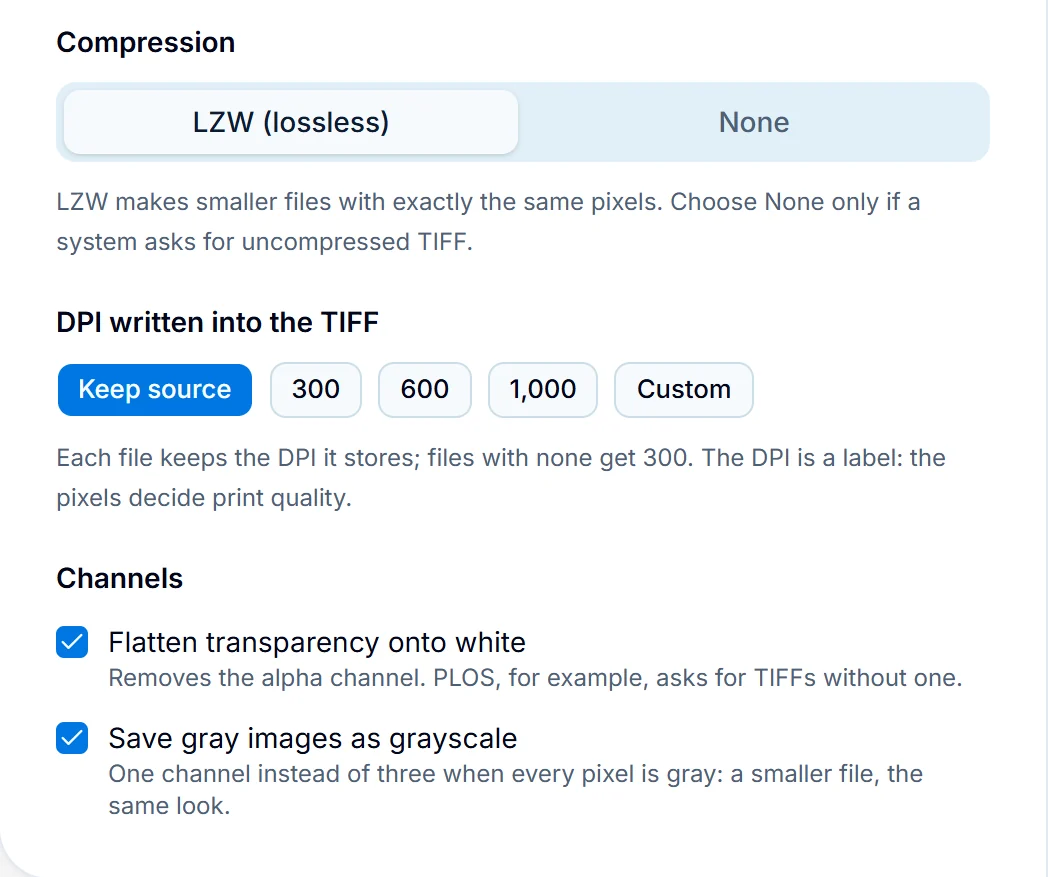
Keep LZW, keep each file’s DPI or set one for all, and tick Flatten transparency onto white if your journal wants no alpha channel.
 3
Download one TIFF or a ZIP
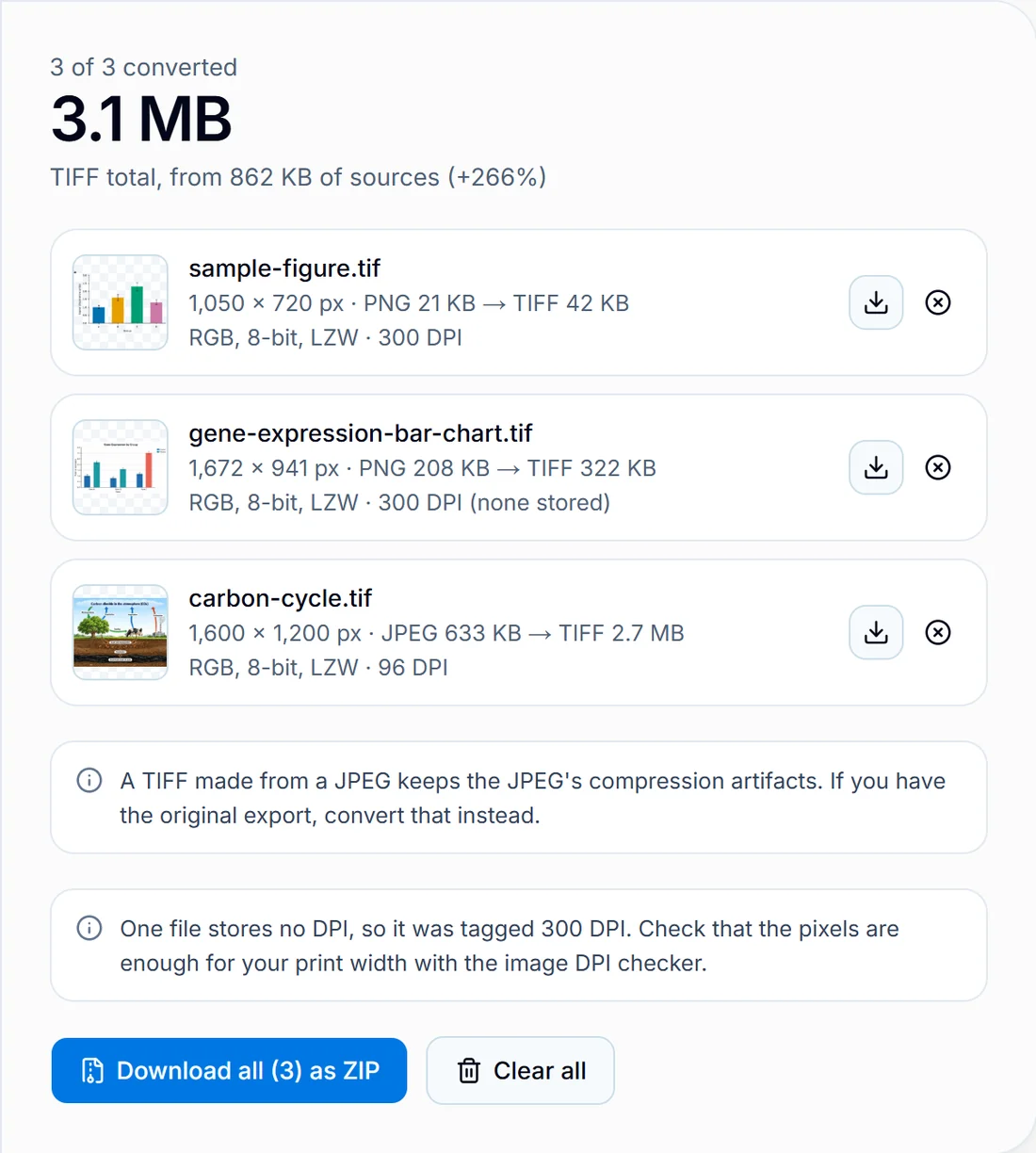
Each file shows its size before and after, its color layout and the DPI written. Download one TIFF, or all of them as a ZIP.
Five conversions, as the converter reported them
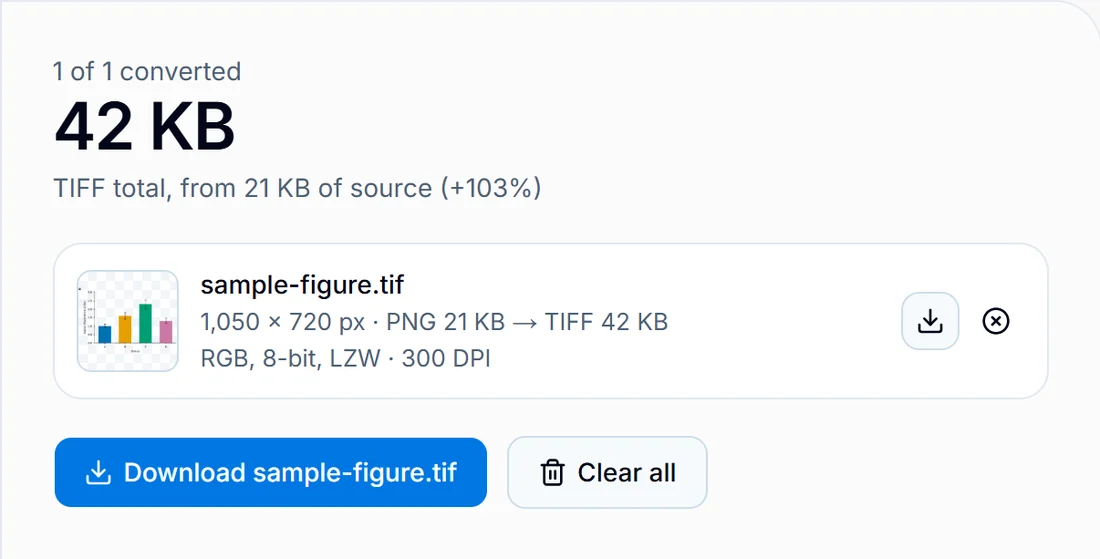
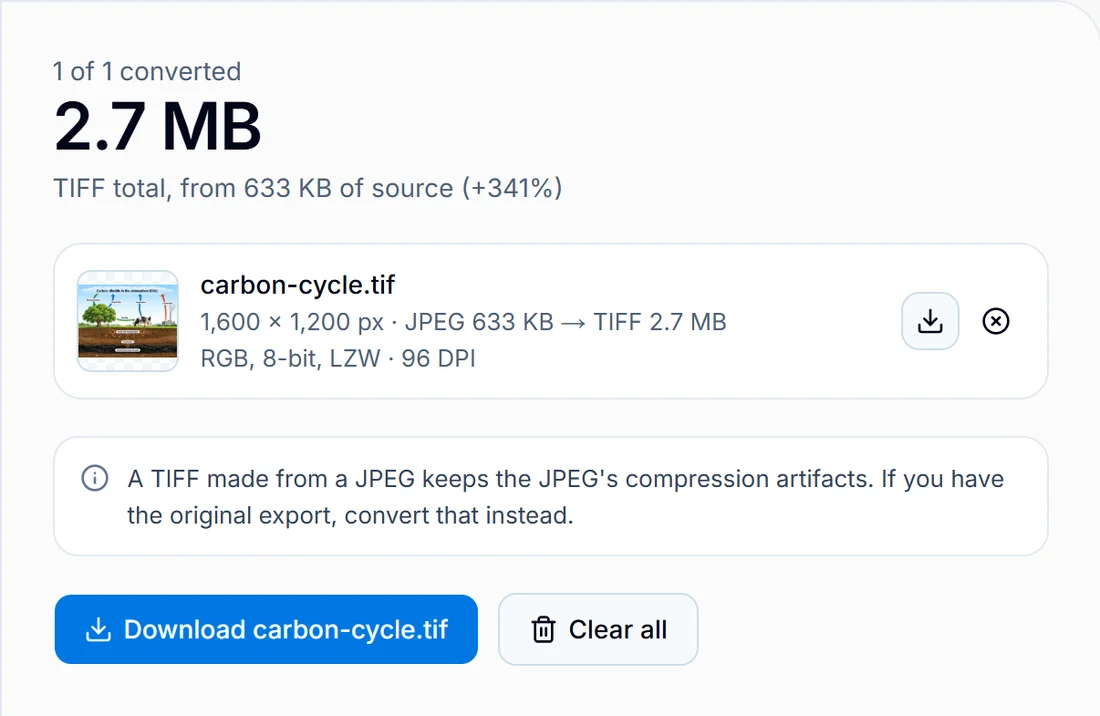
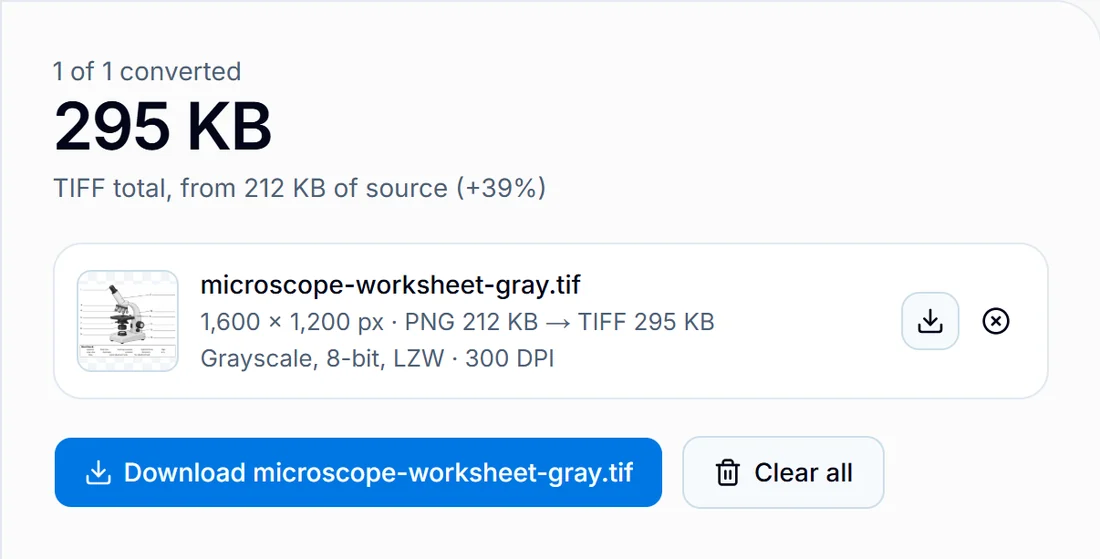
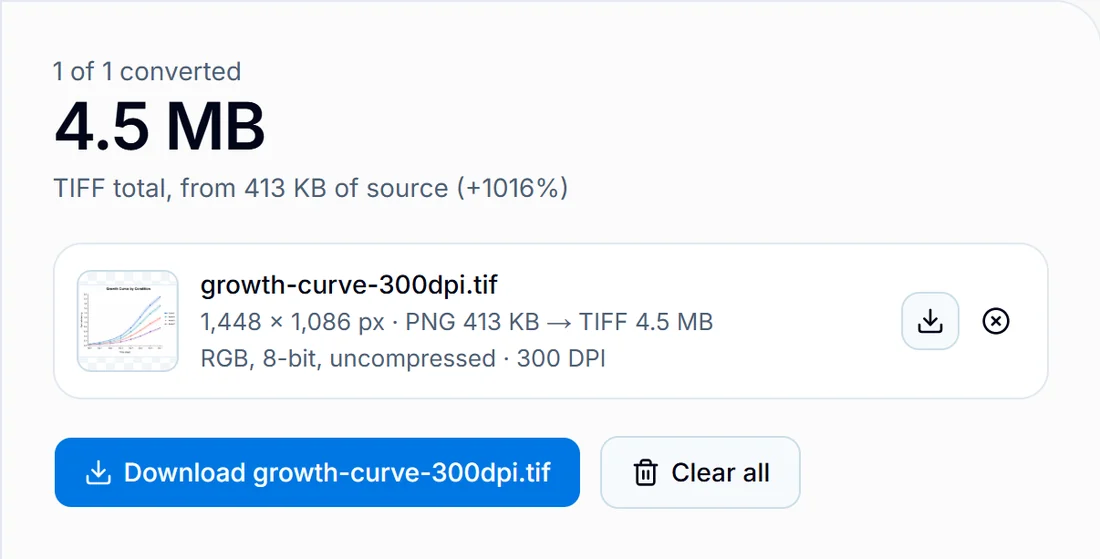
Real runs on the sample chart and our own figures, with the sizes, layouts and DPI the converter showed.
Guide
Converting PNG figures to TIFF for a journal
What journals ask of a TIFF, how the conversion keeps every pixel, what to do with transparency, what LZW does to file size, and which DPI to write.
Why journals still ask for TIFF
TIFF is the raster format publishers name most often for photographs, micrographs and other figures made of pixels. Science asks for TIFF for raster illustrations and photographs, Elsevier recommends it for bitmap line art and halftone images, PLOS accepts figures only as TIFF or EPS, and MDPI publishes figures as TIFF whatever format you upload. A PNG is just as lossless, but a submission system that wants TIFF will not take it.
PLOS TIFF rules, and what the converter writes
- LZW compressionLZW is the default
- No alpha channelsTick Flatten transparency onto white
- Flattened, no layersAlways one flat image
- 300 to 600 DPIChoose 300 or 600, or keep the source
- 10 MB or lessDepends on your pixels; check the size shown
- PLOS: LZW compression is required, no alpha channels, flattened with no layers, 10 MB or less per file, and 300 to 600 DPI.
- eLife: TIFFs in 8-bit format.
- This converter writes 8-bit, single-image TIFFs with LZW by default and flattens transparency when you tick the option, which covers the format side of those rules. The pixel count and the file size still depend on your figure.
PNG to TIFF without losing a pixel
The converter reads your PNG’s own pixel values instead of the browser’s display copy, so nothing is rounded or color-converted on the way. Palette images are expanded to full color, 16-bit images are reduced to the 8 bits per channel journals ask for, and a PNG’s embedded ICC color profile is copied into the TIFF. Images in which every pixel is gray are saved as one grayscale channel, which looks identical and stores one value per pixel instead of three.
- Pixel valuesPixel values, unchanged
- pHYs resolutionXResolution, YResolution
- Alpha or tRNSAlpha channel, or white
- iCCP color profileICC profile tag
- PNG pixels → TIFF pixels, value for value (8-bit PNGs).
- PNG pHYs resolution → TIFF XResolution and YResolution, or the DPI you choose.
- PNG transparency → an alpha channel, or white when you flatten.
- PNG iCCP color profile → the TIFF ICC profile tag.
Transparency: keep it or flatten it onto white
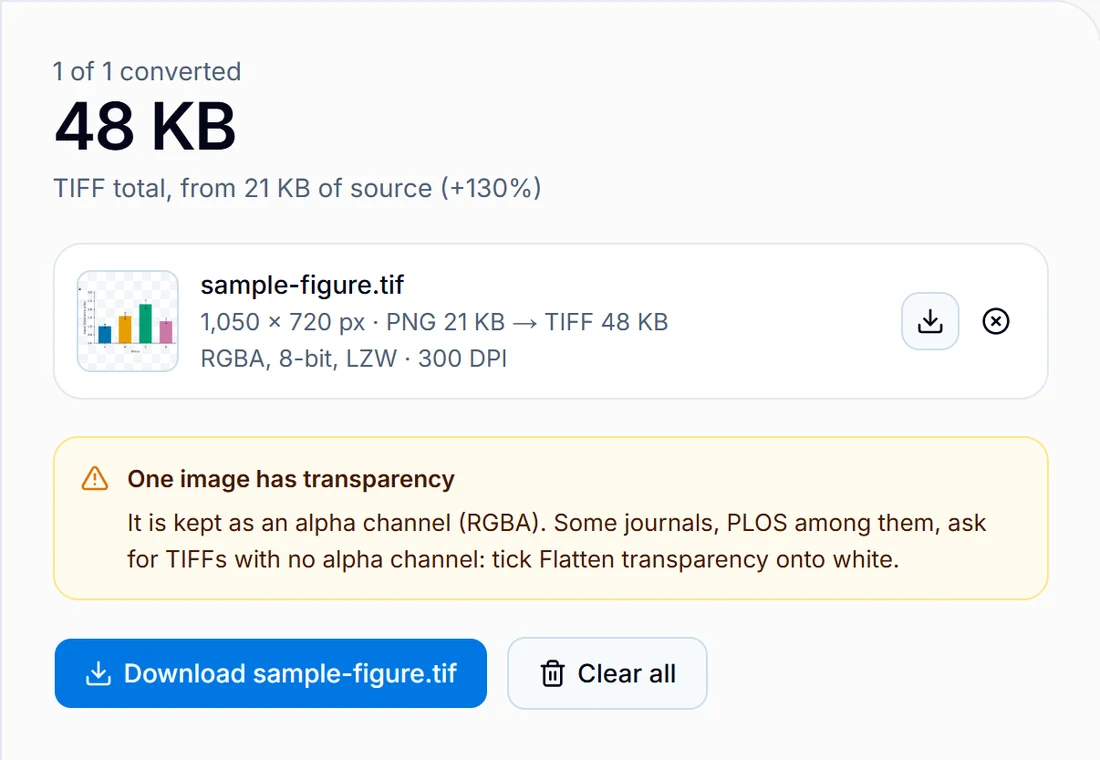
Charts exported with a transparent background have an alpha channel, and so do figures saved from slides or drawing programs. A TIFF can keep it, but many journals print on white and some ask you not to send one: PLOS lists “No alpha channels” among its TIFF rules. Flattening blends every pixel with white in proportion to its transparency, the way the figure looks on a white page, so soft edges of text and lines stay smooth.
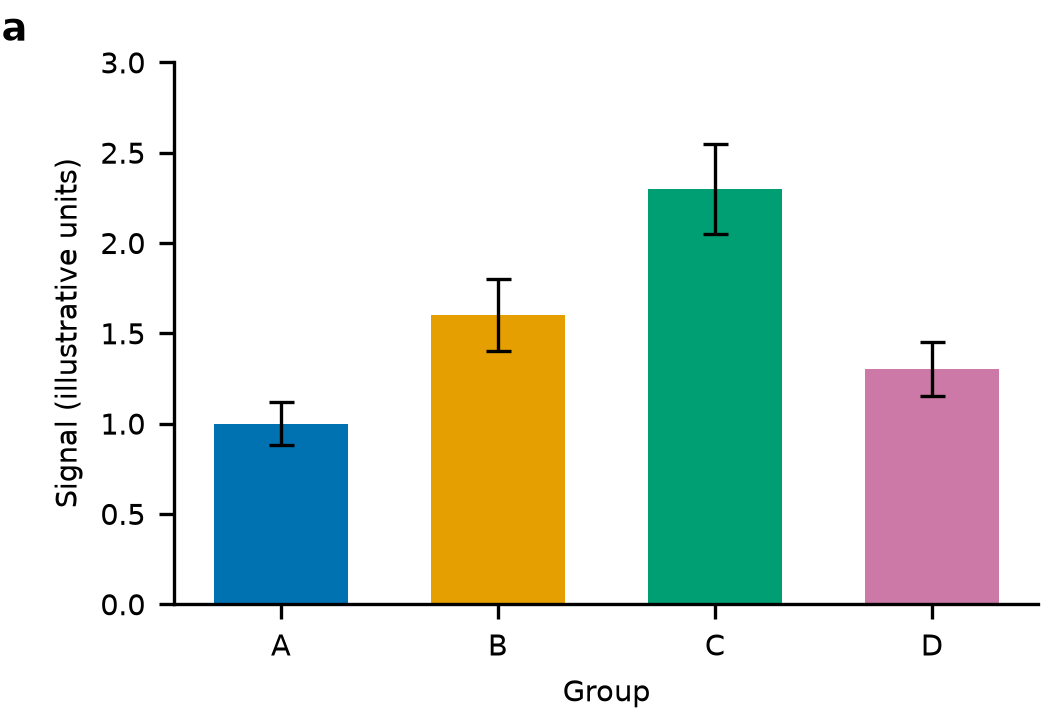
An opaque alpha channel is dropped for you
Many PNGs carry an alpha channel in which every pixel is fully opaque. The converter checks, and writes RGB when nothing is transparent, with or without the flatten option.
LZW or uncompressed, and the file size to expect
LZW is a lossless compression method: it replaces repeated byte sequences with short codes, and decoding restores every byte. The TIFF here also uses the horizontal predictor, which stores the difference between neighboring pixels and helps with gradients. Flat-color charts shrink the most, photographs the least. An uncompressed TIFF holds every byte of every pixel, so its size is width × height × channels.
The 1,050 × 720 px sample chart
- PNG21 KB
- TIFF, RGB, LZW42 KB
- TIFF, RGBA, LZW48 KB
- TIFF, RGB, uncompressed2.2 MB
Measured with this converter. Bars are on a log scale so the small files stay visible.
- Our 1,050 × 720 px sample chart: 21 KB as PNG, 48 KB as an RGBA TIFF with LZW, 42 KB flattened to RGB with LZW, and 2.2 MB as an uncompressed RGB TIFF.
- PNG’s own compression is usually tighter than LZW, so a TIFF is often larger than the PNG it came from. That is expected; the pixels are the same.
- Choose None only when a system asks for uncompressed TIFF. To shrink a TIFF you already have, use Compress TIFF.
Choosing the DPI for the TIFF
Keep source copies the DPI stored in each file, and files that store none get 300. Choosing 300, 600, 1,000 or your own value writes that number instead. Either way the pixels stay the same: the DPI only sets the default print size. The sample chart is 1,050 px wide, so at 300 DPI it prints 88.9 mm wide, a single column at most journals. If a figure needs to print wider at the same DPI, it needs more pixels from its source.
Check the pixels, not just the tag
The image DPI checker shows the effective DPI of a figure at every journal column width, and Change Image DPI can resize it for a print width.
Frequently asked questions
Quick answers on lossless conversion, TIFF file size, transparency, JPEG input and compression.
Is converting PNG to TIFF lossless?
Yes, for 8-bit PNGs: the TIFF holds exactly the same pixel values, and LZW compression is lossless. A 16-bit PNG is reduced to 8 bits per channel, the depth journals ask for, which rounds each value.
Why is my TIFF bigger than my PNG?
PNG compresses with Deflate and per-row filters, which usually beats TIFF’s LZW, and an uncompressed TIFF stores every byte. Journals ask for TIFF because their production systems read it, not because it is smaller. If a file is over a size limit such as PLOS’s 10 MB, check that the pixel size is not larger than the print width needs.
Does converting to TIFF improve resolution or print quality?
No. The TIFF has the same pixels as the PNG. Print quality depends on how many pixels the figure has for its printed width; the DPI value in the file only sets the default size.
Should I keep the transparent background?
For journal figures, usually not: most print on white, and PLOS asks for TIFFs with no alpha channel. Tick Flatten transparency onto white. Keep it only when the figure will be placed over another background.
Can I convert JPEG or WebP to TIFF too?
Yes. They are decoded by your browser and written as TIFF the same way. A JPEG’s compression artifacts stay in the TIFF, so convert the original PNG or source export when you have it.
Which TIFF compression should I use for a journal?
LZW. It is lossless, widely read, and PLOS requires it. Choose no compression only when a submission system asks for uncompressed TIFF.
Are my images uploaded?
No. Files are read and converted in your browser, and nothing is sent to a server.
Related tools
Free tools for getting figure files ready for submission.
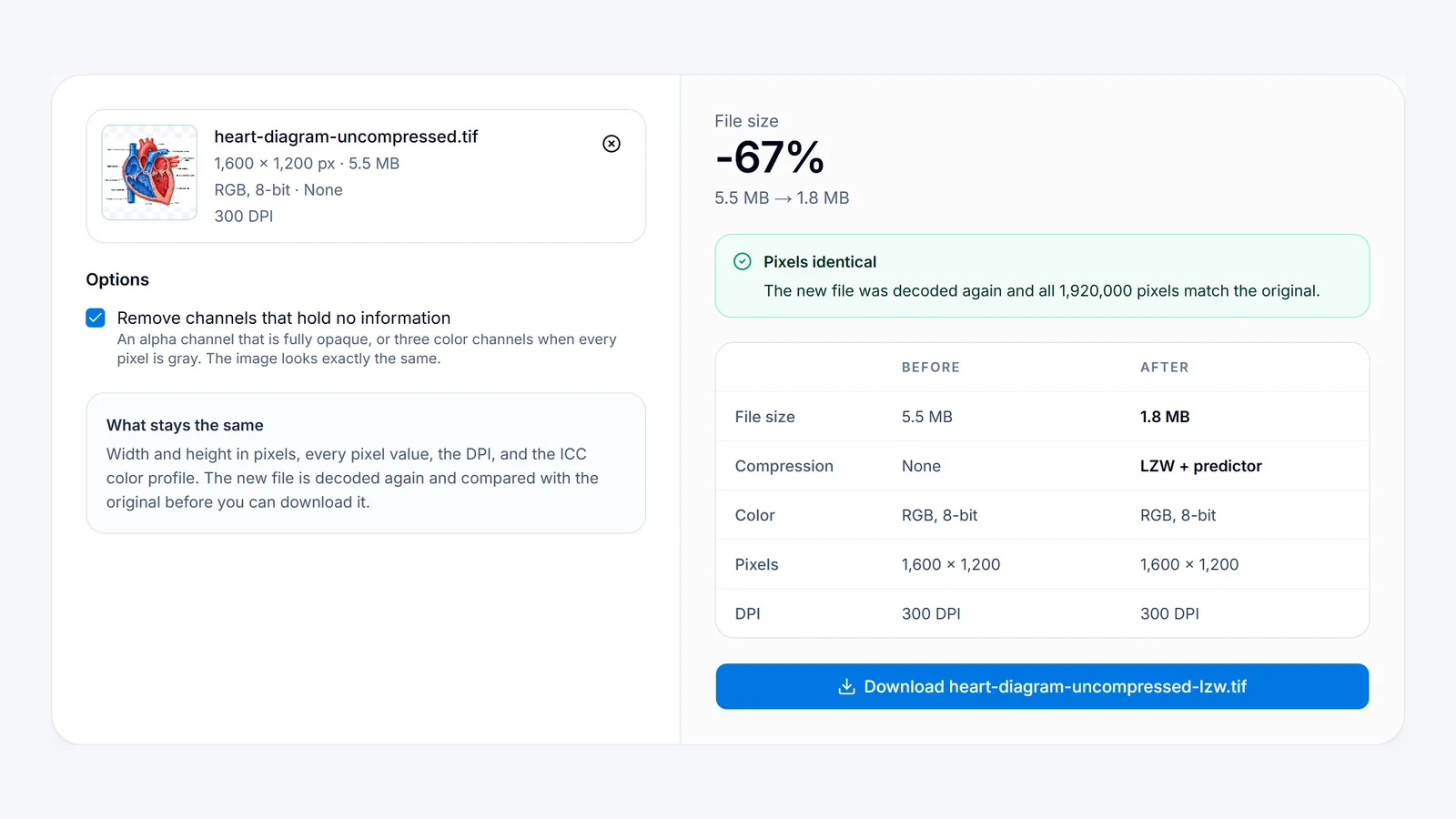
Compress TIFF
Shrink a TIFF figure with lossless LZW and check that every pixel stays the same.
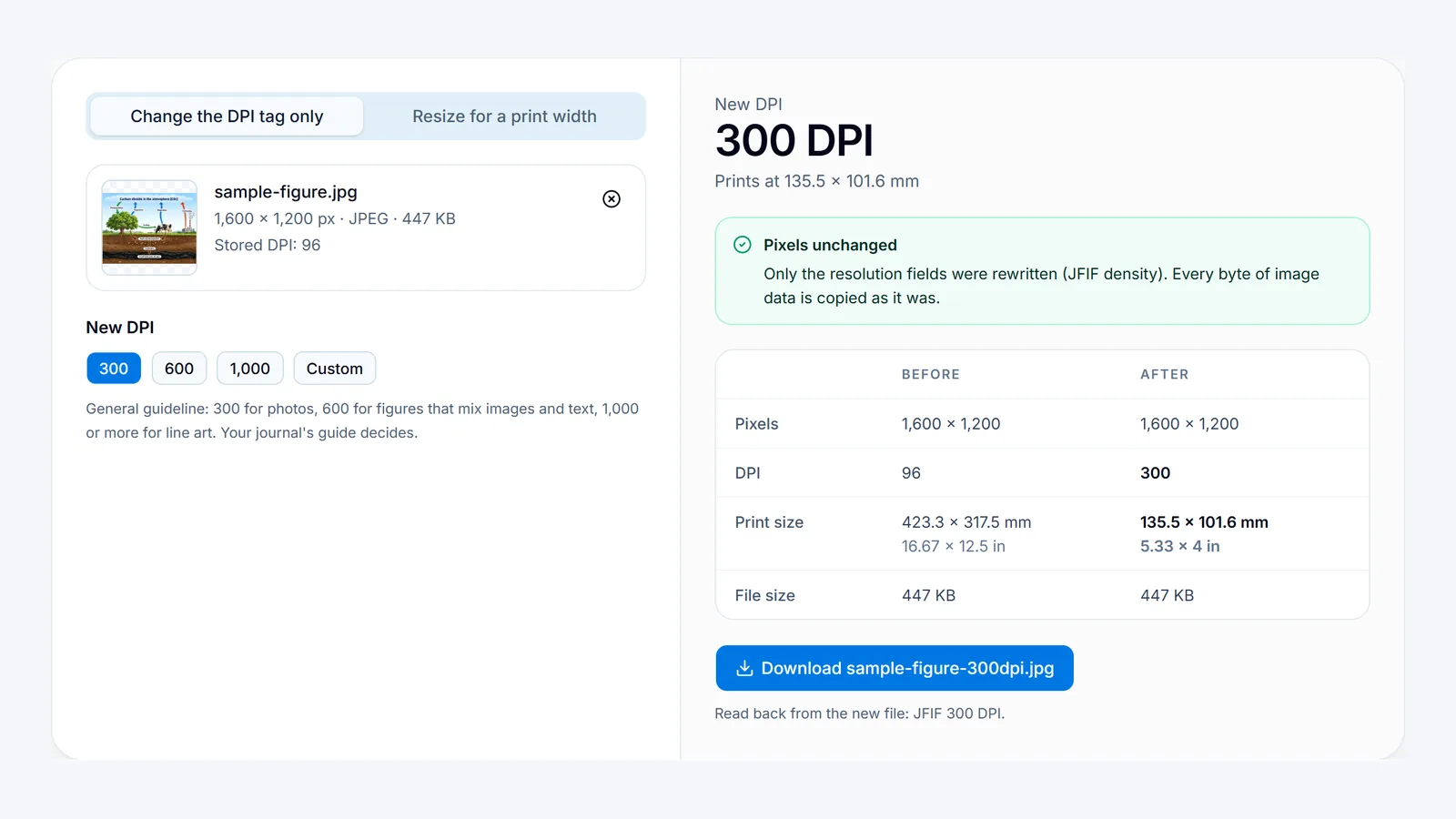
Change image DPI
Set 300 DPI or any value without resampling, or resize a figure for a print width.
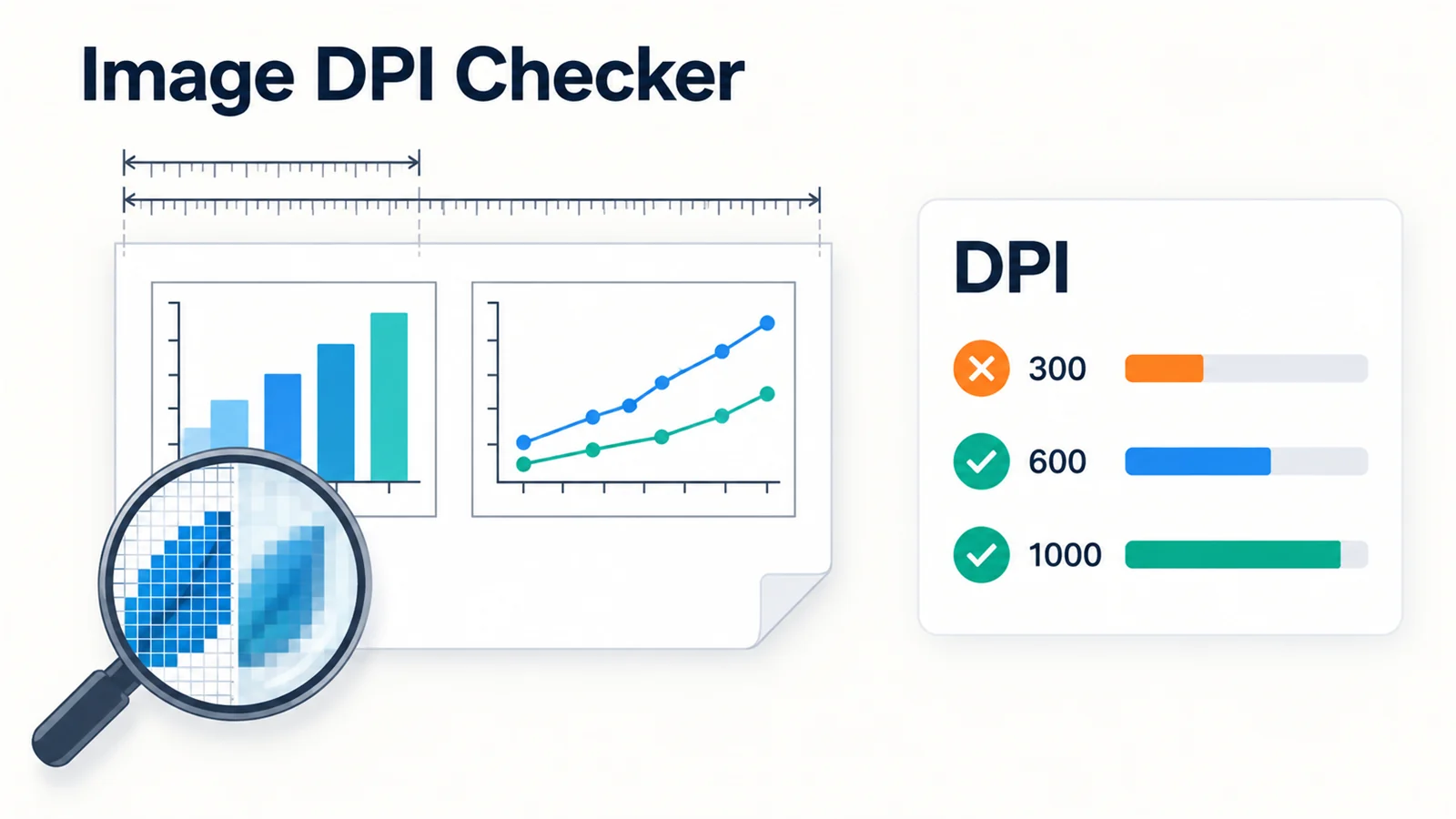
Image DPI checker
See the effective DPI of a figure at any journal column width.
Journal figure requirements
Column widths, DPI, file formats and fonts for 14 publishers, with official sources.
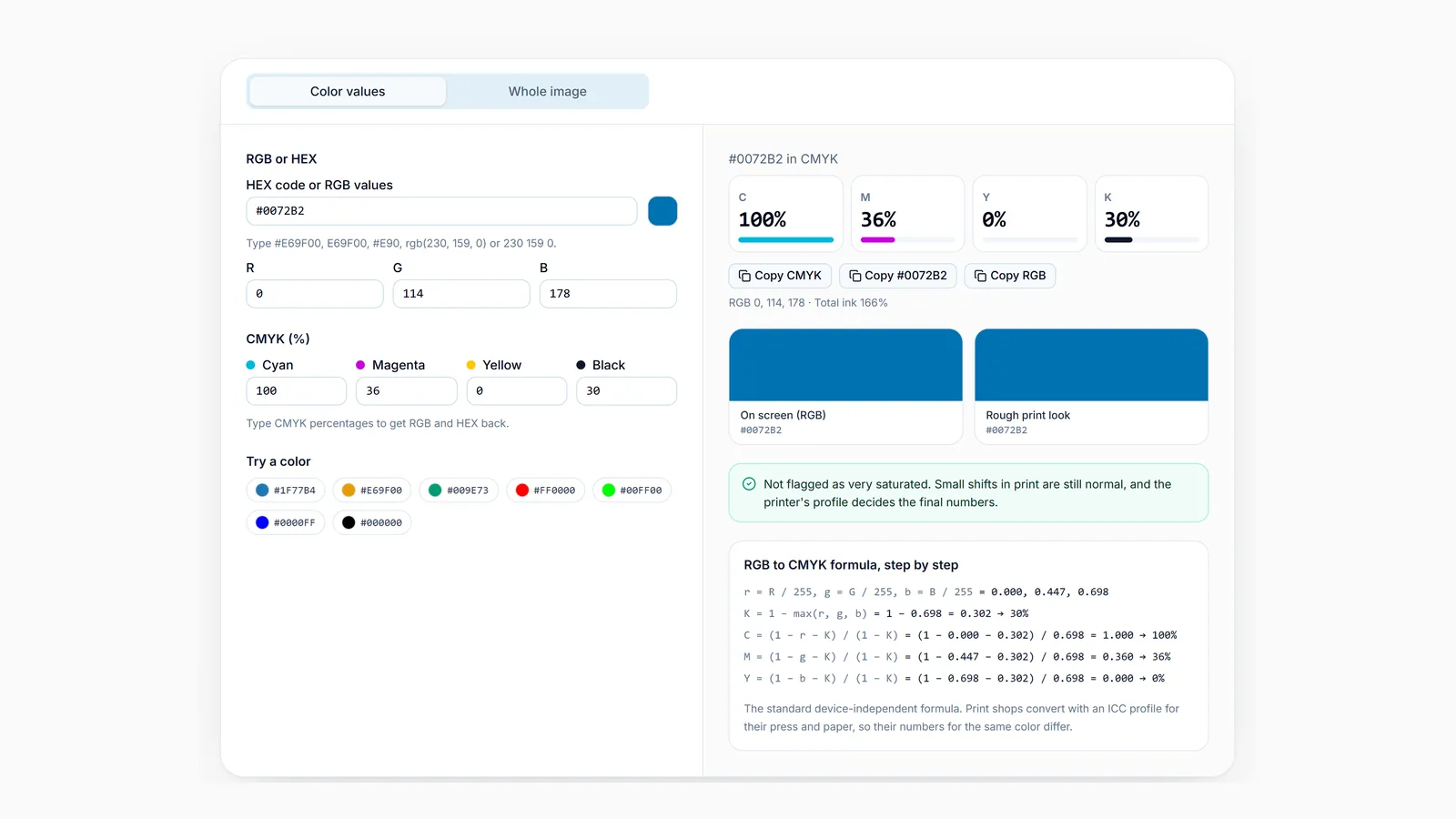
RGB to CMYK converter
Convert RGB and HEX colors to CMYK values, or a whole figure to a CMYK TIFF.
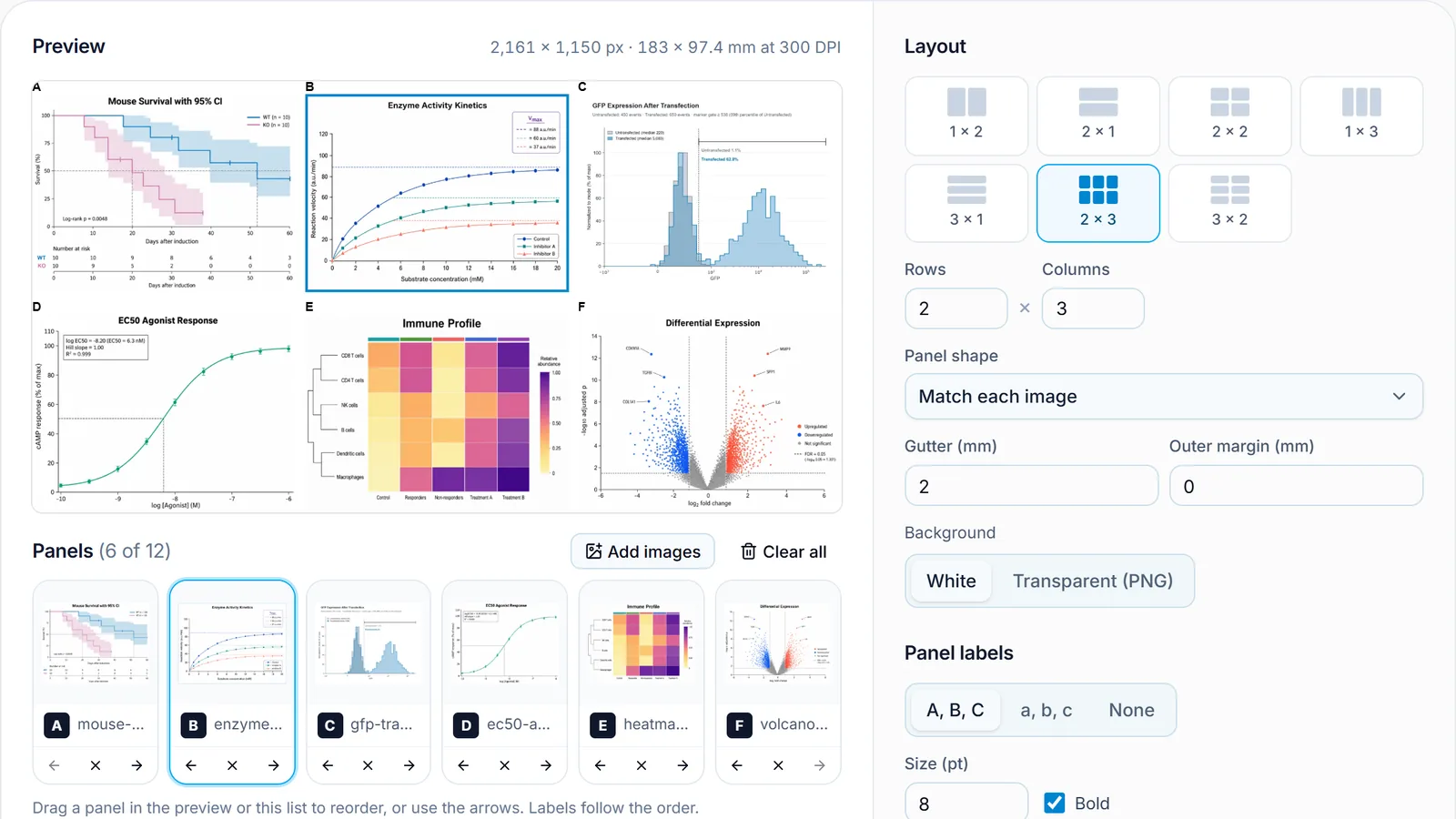
Combine images into one figure
Lay out several images as one multi-panel figure with A, B, C labels, then export.
Need the figure itself?
The scientific figure maker creates scientific figures and illustrations with AI. It needs a subscription or a credit pack.
Open the scientific figure maker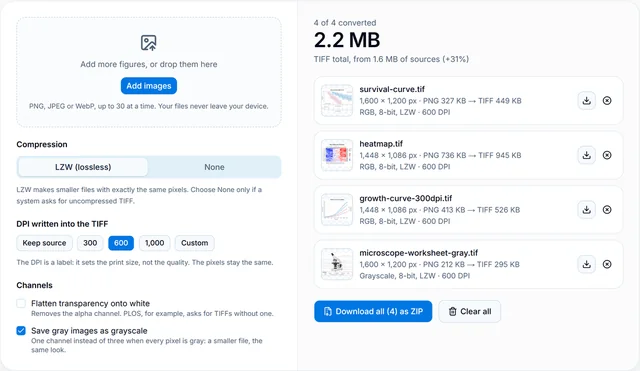
Last checked: November 25, 2026. Sources: PLOS ONE, figures; Science, instructions for revised manuscripts; Elsevier, artwork overview; MDPI, layout guidelines; eLife, author instructions; Library of Congress, LZW compression.