
Tool comparison
BioRender alternative for AI figure drafts and data charts
BioRender assembles scientific figures by hand from an icon library. SciFigure AI drafts a figure from a text prompt or a rough sketch, and turns CSV or Excel data into publication-ready charts. This comparison covers pricing, AI generation, charts, and usage rights, and says plainly what SciFigure AI does not do.
BioRender vs SciFigure AI at a glance
Choose BioRender if you want
- Drag-and-drop figure assembly from an icon library
- Lab, Team, Institution, or Enterprise plans for groups
- A free plan for up to 3 figures (no commercial use)
Choose SciFigure AI if you want
- A figure draft from a text prompt or a sketch
- 26 data chart generators, where free credits work
- A lower entry price: 30 credits for $2.99, or $14.99/month
- Outputs with no watermark
Know before you switch
- SciFigure AI has no drag-and-drop icon library
- After one free trial figure, AI illustration needs a credit pack or a subscription
- Free signup and daily credits cannot be used for illustration
- No team collaboration or institutional licensing
BioRender vs SciFigure AI at a glance
Free tier
- SciFigure AI
- One free trial figure, plus 10 credits at signup (valid 7 days) and 5 bonus credits per day for data charts
- BioRender
- Free plan: up to 3 figures and 1 Graphing file
What free usage covers
- SciFigure AI
- One watermarked trial figure; credits cover data charts only (5 credits per chart)
- BioRender
- Figure creation; commercial use not permitted
Lowest paid entry
- SciFigure AI
- $2.99 credit pack (30 credits that never expire)
- BioRender
- Academic Individual: $35/month billed annually or $39 monthly
Monthly plans
- SciFigure AI
- Standard $14.99, Premium $29.99, Enterprise $59.99 per month
- BioRender
- Academic Individual $39/month; Industry Individual $115/month
Annual billing
- SciFigure AI
- $89.99, $179.99, or $359.99 per year
- BioRender
- Academic Individual $35/month; Industry Individual $95/month
AI figure generation
SciFigure AI: text or sketch to figure; one free trial figure, then a paid purchase. BioRender: AI-assisted figure generation starts at $5/month (academic) or $25/month (industry).
- SciFigure AI
- Yes
- BioRender
- Paid add-on
Data charts
SciFigure AI: 26 chart generators at 5 credits per chart. BioRender Graphing: from $15/seat/month (academic) or $49/seat/month (industry), billed annually; the free plan includes 1 Graphing file.
- SciFigure AI
- Yes
- BioRender
- Paid add-on
Drag-and-drop icon library
- SciFigure AI
- No
- BioRender
- Yes
Team and institution plans
BioRender lists Lab and Team plans starting at 5 seats, and custom Institution and Enterprise plans for 20+ users.
- SciFigure AI
- No
- BioRender
- Yes
Watermark
- SciFigure AI
- No watermark
- BioRender
- Individual plans list no watermarks
Usage rights
- SciFigure AI
- Paid plans: research and commercial use (Terms of Service)
- BioRender
- Academic Individual: academic publishing rights; Industry plans: commercial rights
Editable labels
- SciFigure AI
- SVG or PPTX with editable text, arrow, label, and callout layers over the figure image
- BioRender
- See official site
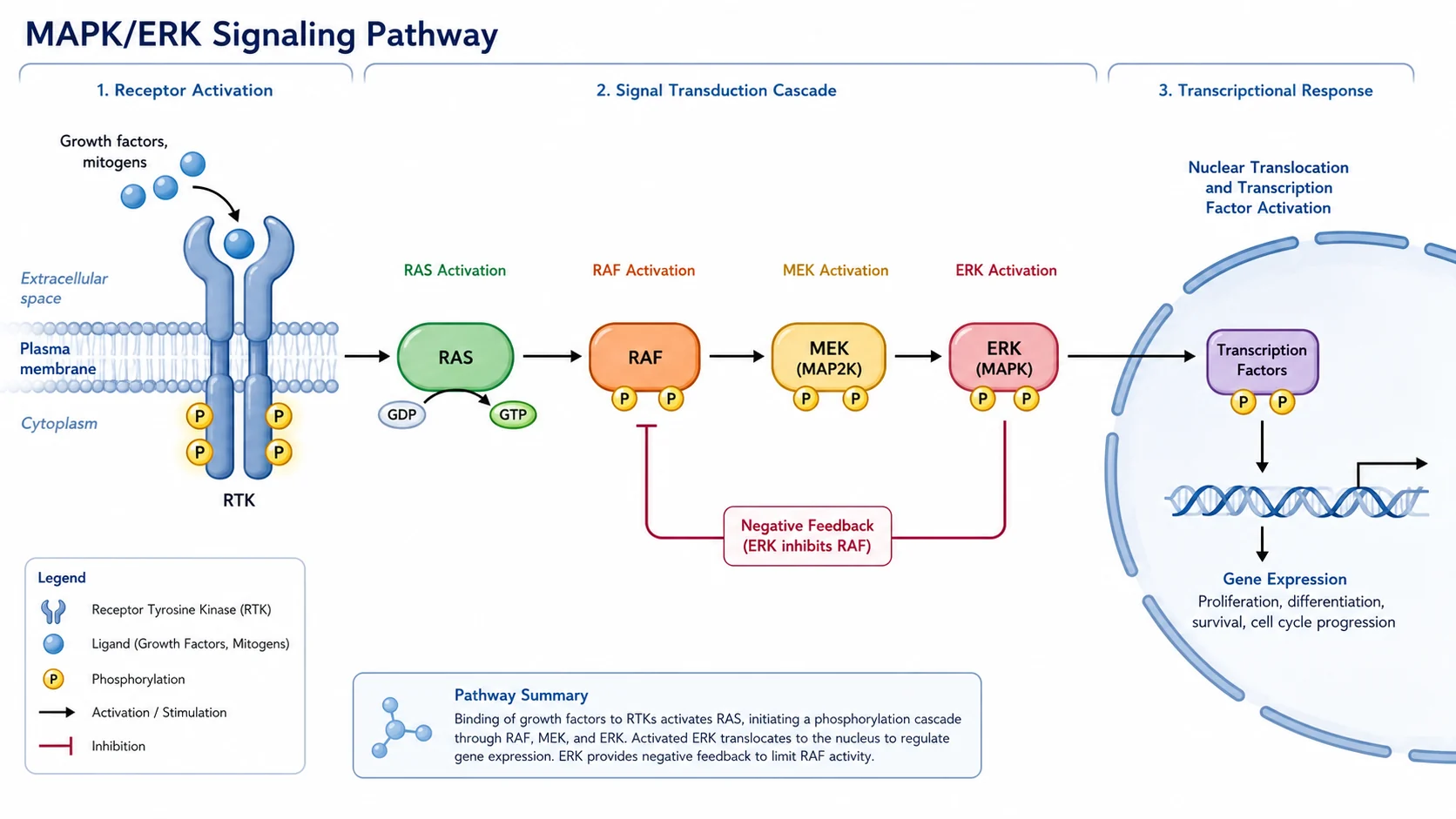
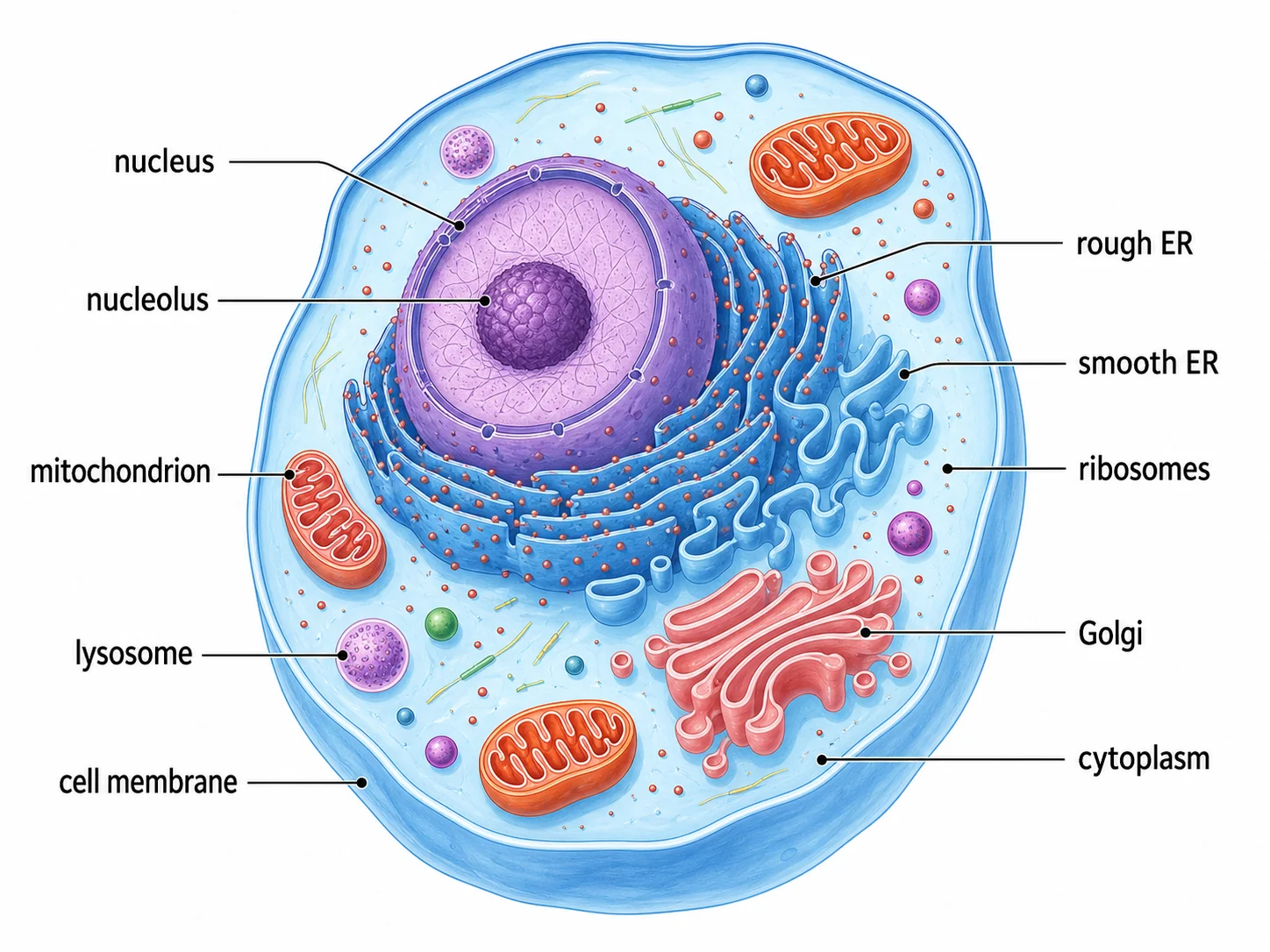
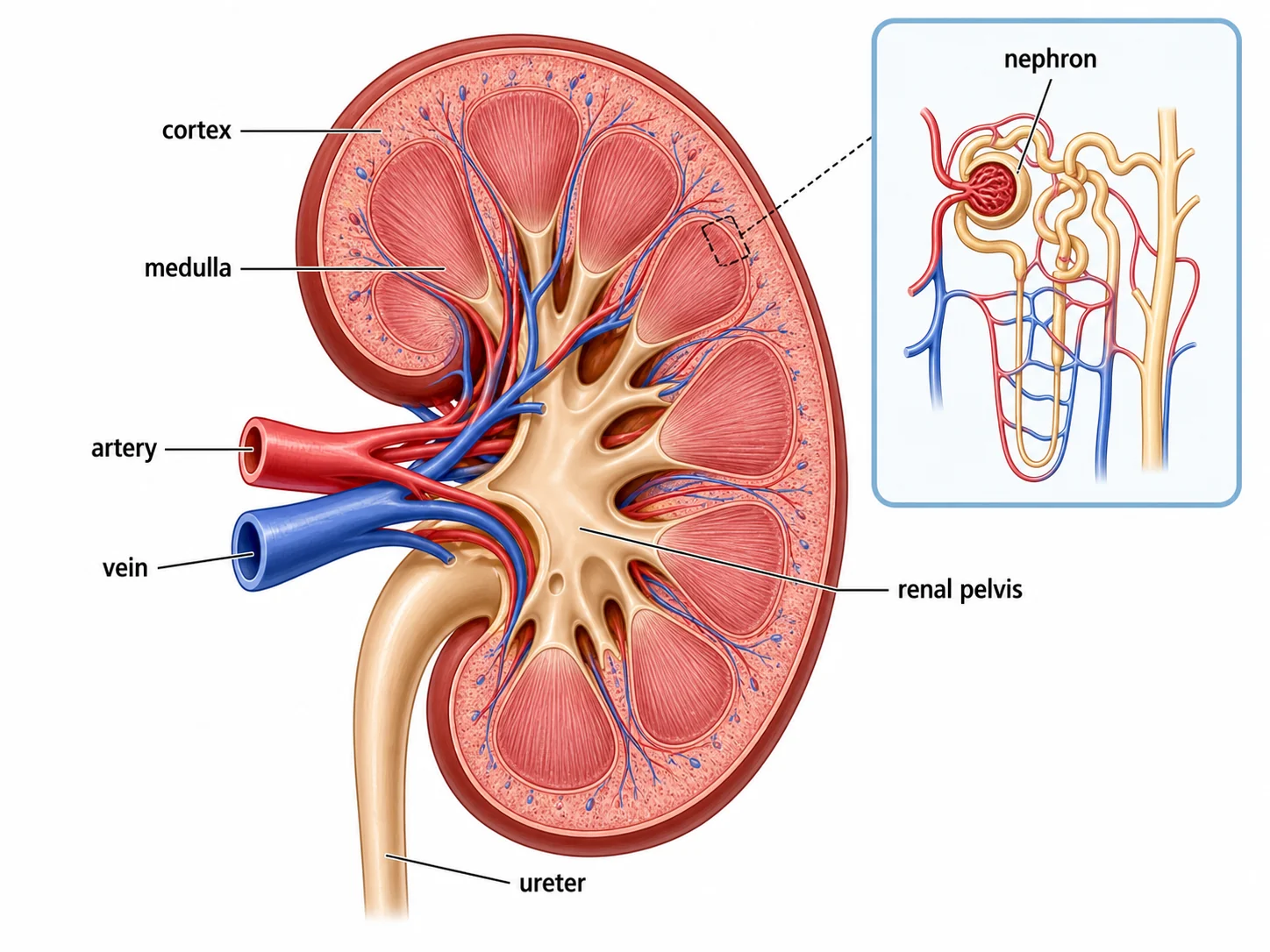
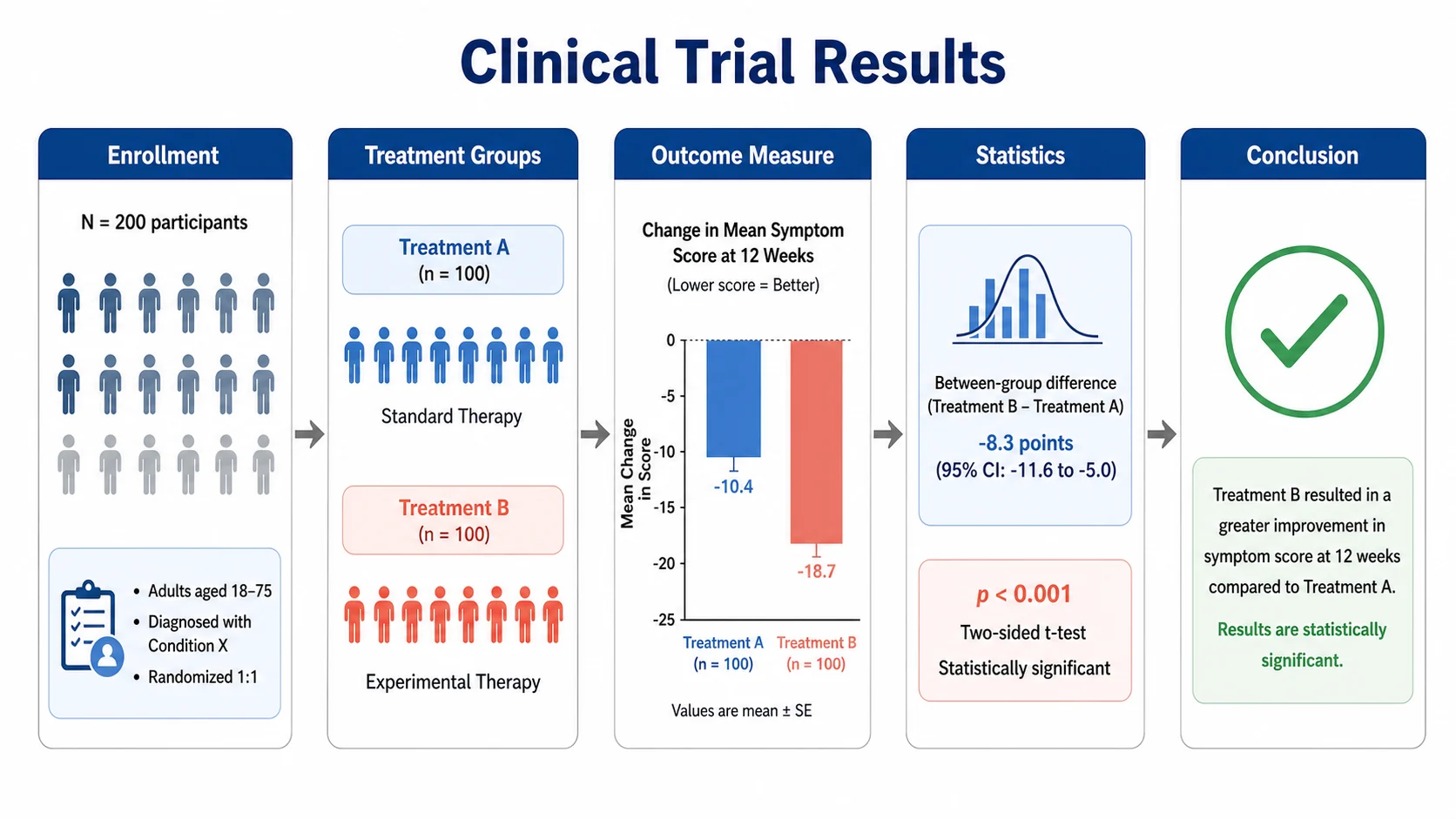
Figure types SciFigure AI drafts
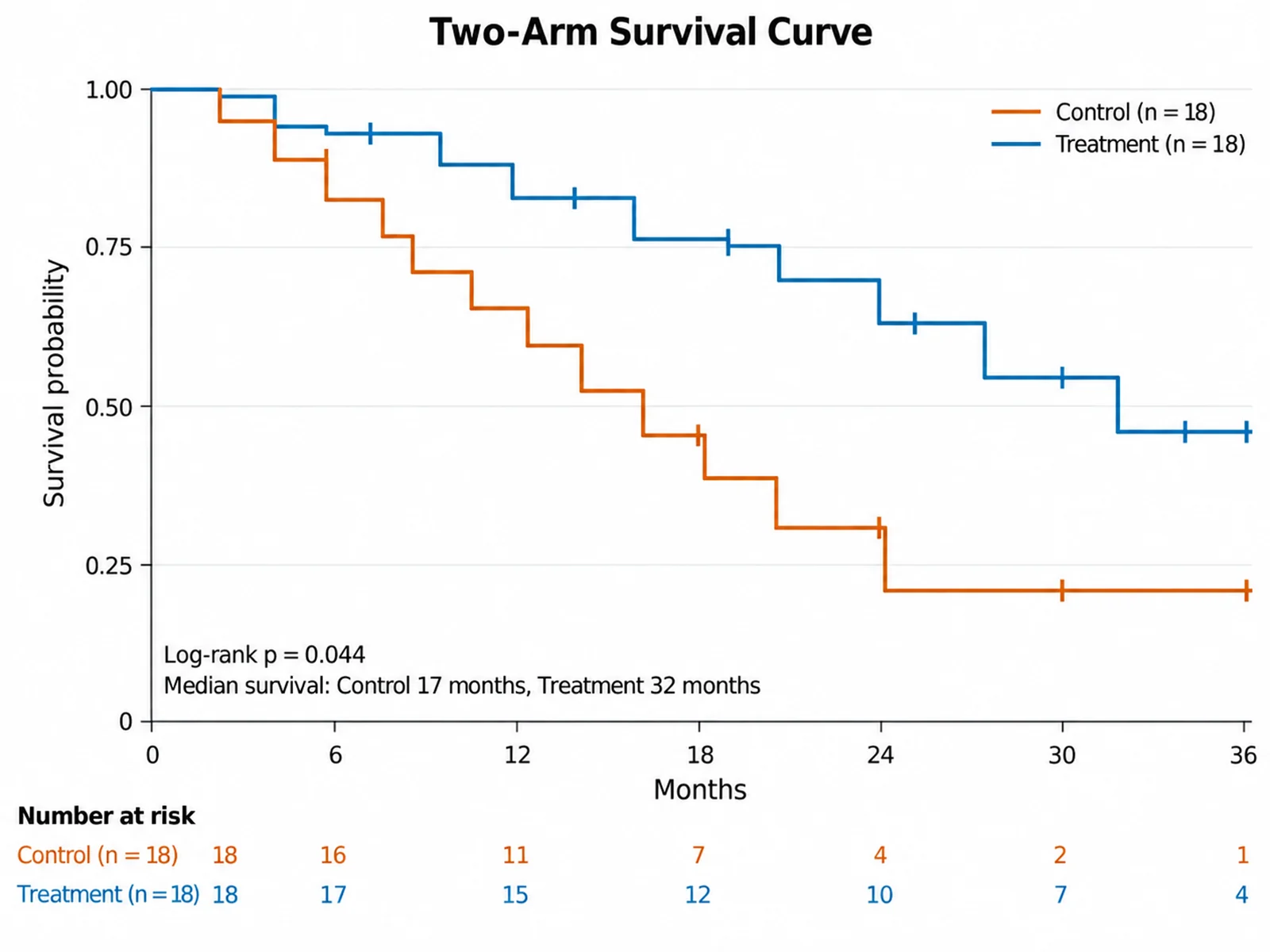
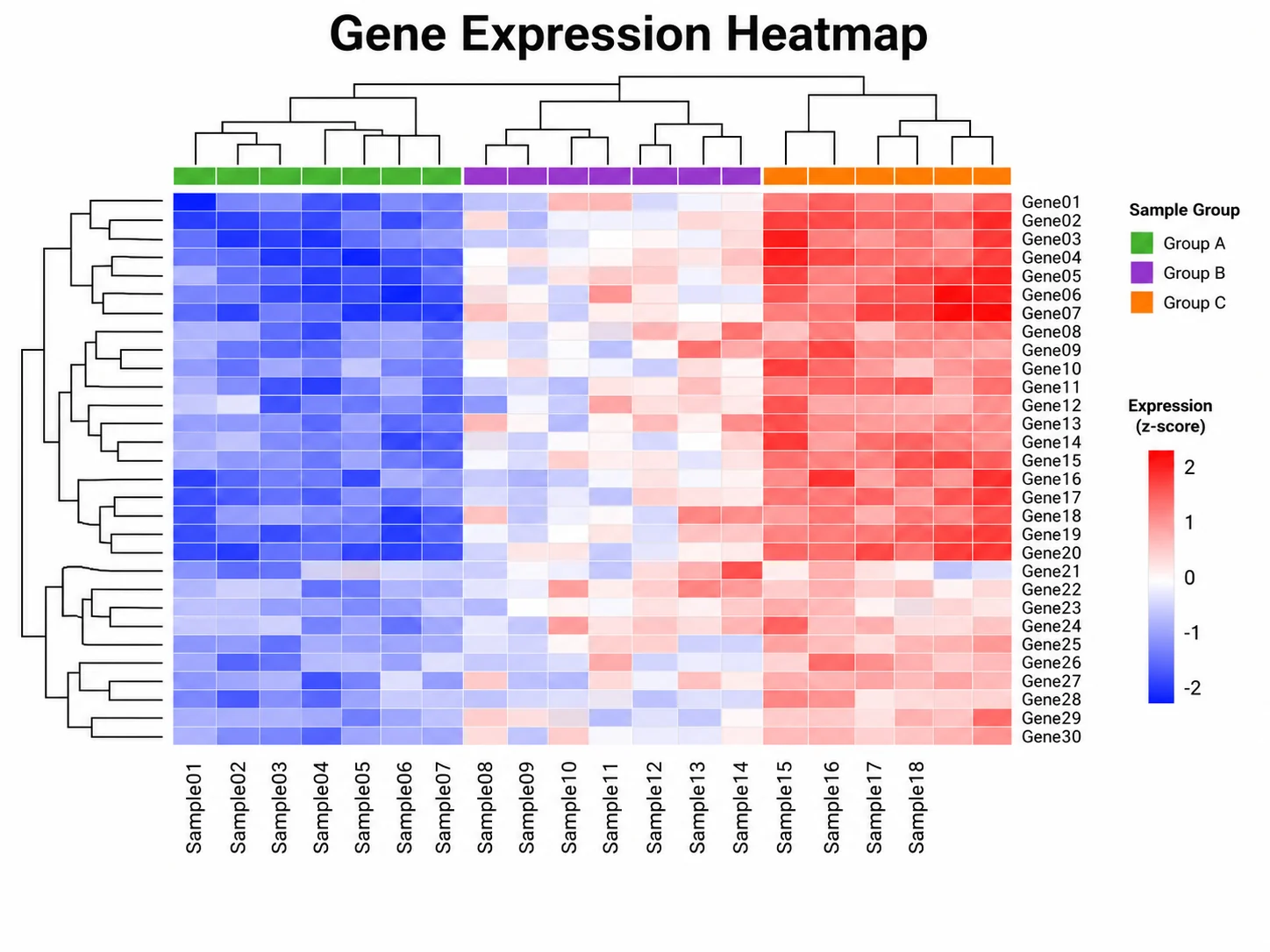
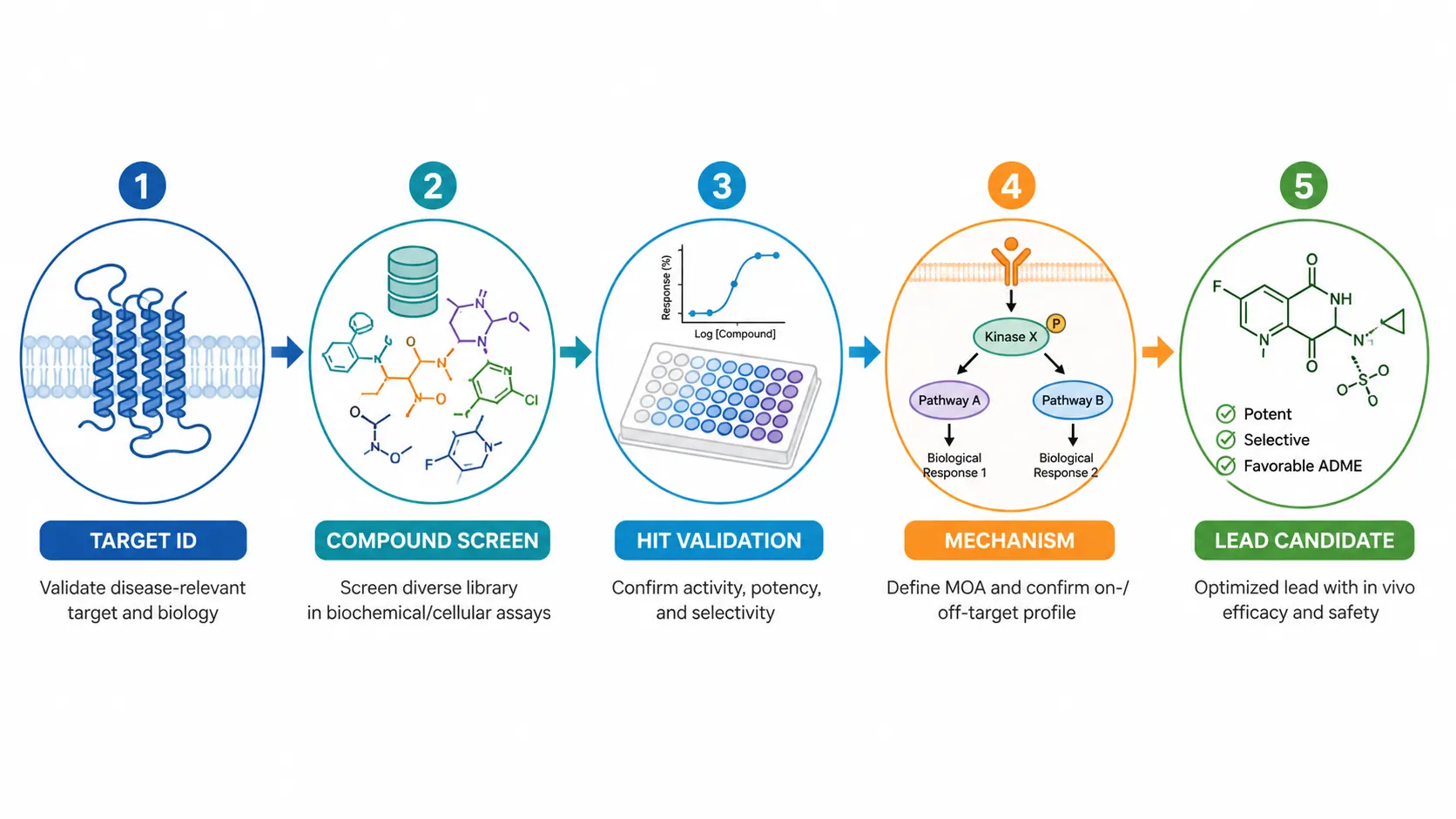
Each example links to the generator that makes that kind of figure. Illustrations are AI drafts, so check every label and structure before you submit.
When BioRender is the better choice
BioRender is designed around manual assembly. You search a library of scientific icons, drag them onto a canvas, and arrange every arrow and label yourself. That workflow suits people who already know the exact layout they want and need the same icons across many figures.
- You want to place and reuse specific icons by hand rather than generate a draft.
- Your lab or company needs shared seats: BioRender lists Lab, Team, Institution, and Enterprise plans.
- Your institution already pays for BioRender, so switching saves you nothing.
- You want BioRender Graphing in the same workspace as your illustrations.
When SciFigure AI is the better BioRender alternative
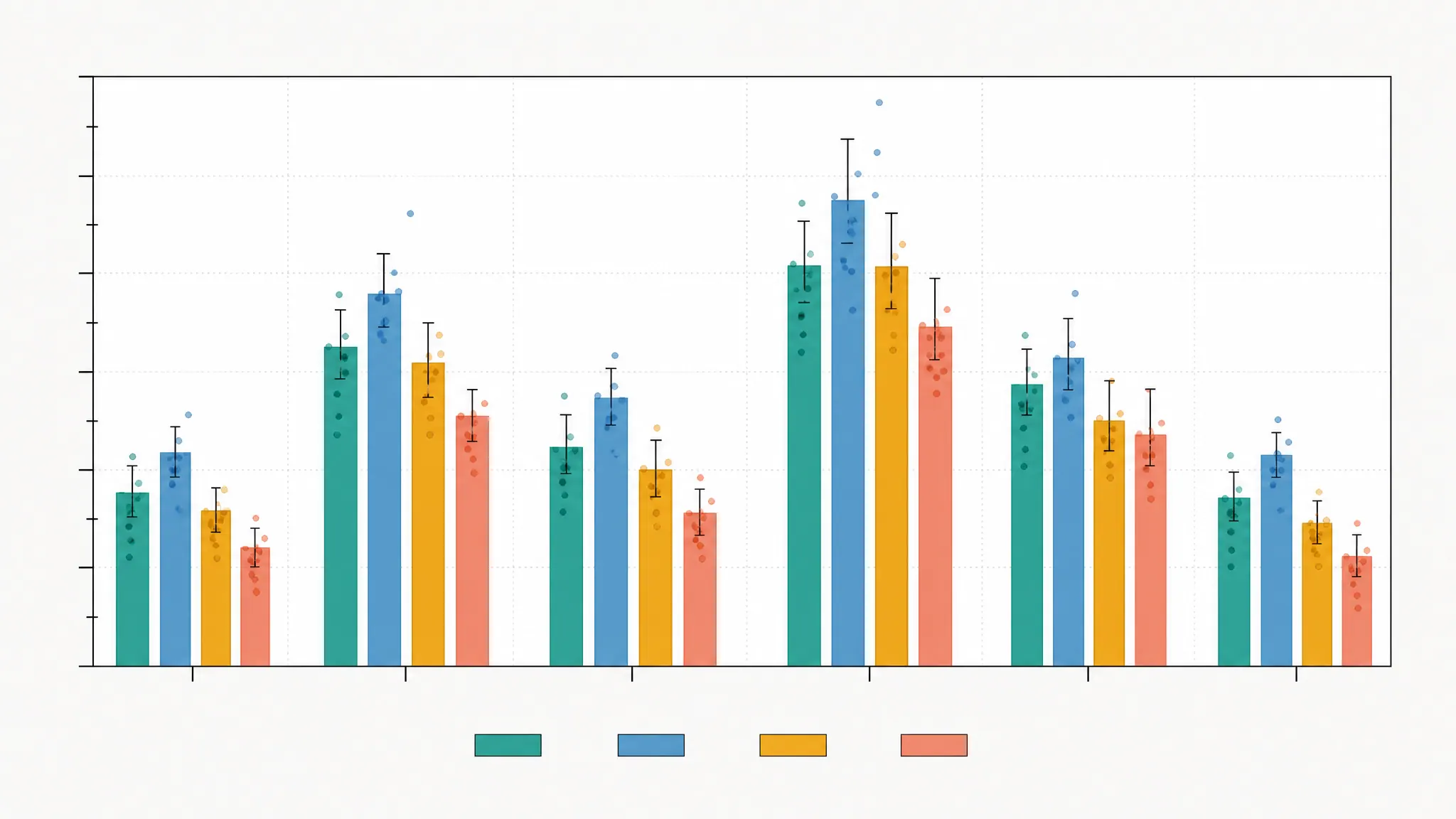
SciFigure AI starts from a description instead of a blank canvas. Describe a mechanism, experimental workflow, or graphical abstract, or upload a sketch, and it generates a figure draft you can refine with follow-up instructions. Separate chart generators take your data file, compute the statistics each chart needs, and render a publication-ready PNG.
- You are stuck at the blank-page step and want a first draft quickly.
- You need illustrations and data charts, such as a Kaplan-Meier plot or a volcano plot, for the same paper.
- You want a low entry price: a free trial figure, a $2.99 credit pack, or the $14.99/month Standard plan.
- You want outputs without a watermark.
BioRender pricing compared with SciFigure AI
On September 15, 2026, BioRender listed Academic Individual at $35 per month billed annually or $39 month to month, and Industry Individual at $95 per month billed annually or $115 month to month. AI-assisted figure generation and BioRender Graphing are add-ons on top of a plan. SciFigure AI uses credits. A new account can make one free trial figure. After that, AI illustration needs a paid purchase, starting with a $2.99 pack of 30 credits that never expire, and subscriptions cost $14.99, $29.99, or $59.99 per month, or $89.99, $179.99, or $359.99 per year. Data charts cost 5 credits each, and free signup and daily credits can be spent on them.
Which should you choose?
- Choose BioRender if manual icon layout, team seats, or an institutional plan matter most.
- Choose SciFigure AI if you want AI drafts from a prompt or sketch and built-in data charts at a lower entry price.
- If you only need charts, try SciFigure AI with free credits before paying for anything.
- If you need both icon-precise figures and fast drafts, use both: sketch the concept in SciFigure AI and keep icon-based figures where your team maintains them.
How to switch from BioRender to SciFigure AI
- Pick one existing figure and write down what it shows: the entities, the arrows, and the reading order.
- Open AI Drawing and describe that figure in plain language, or upload a photo of a hand-drawn sketch of the layout.
- Refine the draft with follow-up instructions about labels, colors, and composition.
- Use Editable Export to get SVG or PPTX with editable text, arrow, label, and callout layers over the figure image, so you can fix label wording without regenerating.
- Rebuild data panels with the matching chart generator from your original CSV or Excel file.
Frequently asked questions
Is SciFigure AI a free BioRender alternative?
Partly. A new account can make one free trial figure, shown with a watermark. New accounts also get 10 free credits valid for 7 days, and signed-in users get 5 bonus credits per day, but those credits only work for data charts (5 credits per chart). After the trial, AI scientific illustration, the part that replaces BioRender figures, needs a credit pack, starting at $2.99 for 30 credits, or a subscription from $14.99 per month. BioRender’s free plan allows up to 3 figures without commercial use.
Does SciFigure AI have a drag-and-drop icon library like BioRender?
No. SciFigure AI generates figures from text prompts and sketches instead of assembling them from an icon library. If placing specific icons by hand is central to your workflow, BioRender is the better fit.
How much does BioRender cost?
On BioRender’s pricing page, checked September 15, 2026, the Free plan allows up to 3 figures with no commercial use. Academic Individual is $35/month billed annually or $39 monthly, and Industry Individual is $95/month billed annually or $115 monthly. AI figure generation starts at $5/month and Graphing at $15/seat/month as academic add-ons. Check the official page for current prices.
Can I use SciFigure AI figures in papers?
Paid plans permit using generated outputs for research and commercial purposes under the Terms of Service. You remain responsible for following your journal, publisher, and institution rules on AI-generated images, so check those policies before submission.
Can I edit labels after SciFigure AI generates a figure?
Yes, with Editable Export, which exports SVG or PPTX with editable text, arrow, label, and callout layers over the figure image. The base illustration stays a raster image; it is not redrawn as fully editable vector artwork.
Do I have to stop using BioRender to use SciFigure AI?
No. You can keep BioRender for icon-based figures your team already maintains and use SciFigure AI for quick drafts and data charts. Files do not transfer between the two, so move a figure by recreating it from a prompt or sketch.
Tools to try next
AI Drawing
Draft a scientific illustration from a prompt or a sketch.
Graphical Abstract Maker
Turn a paper summary into a graphical abstract draft.

Editable Export
Export SVG or PPTX with editable text, arrows, labels, and callouts over the figure.
Data Visualization Tools
Browse the chart generators that free credits work for.
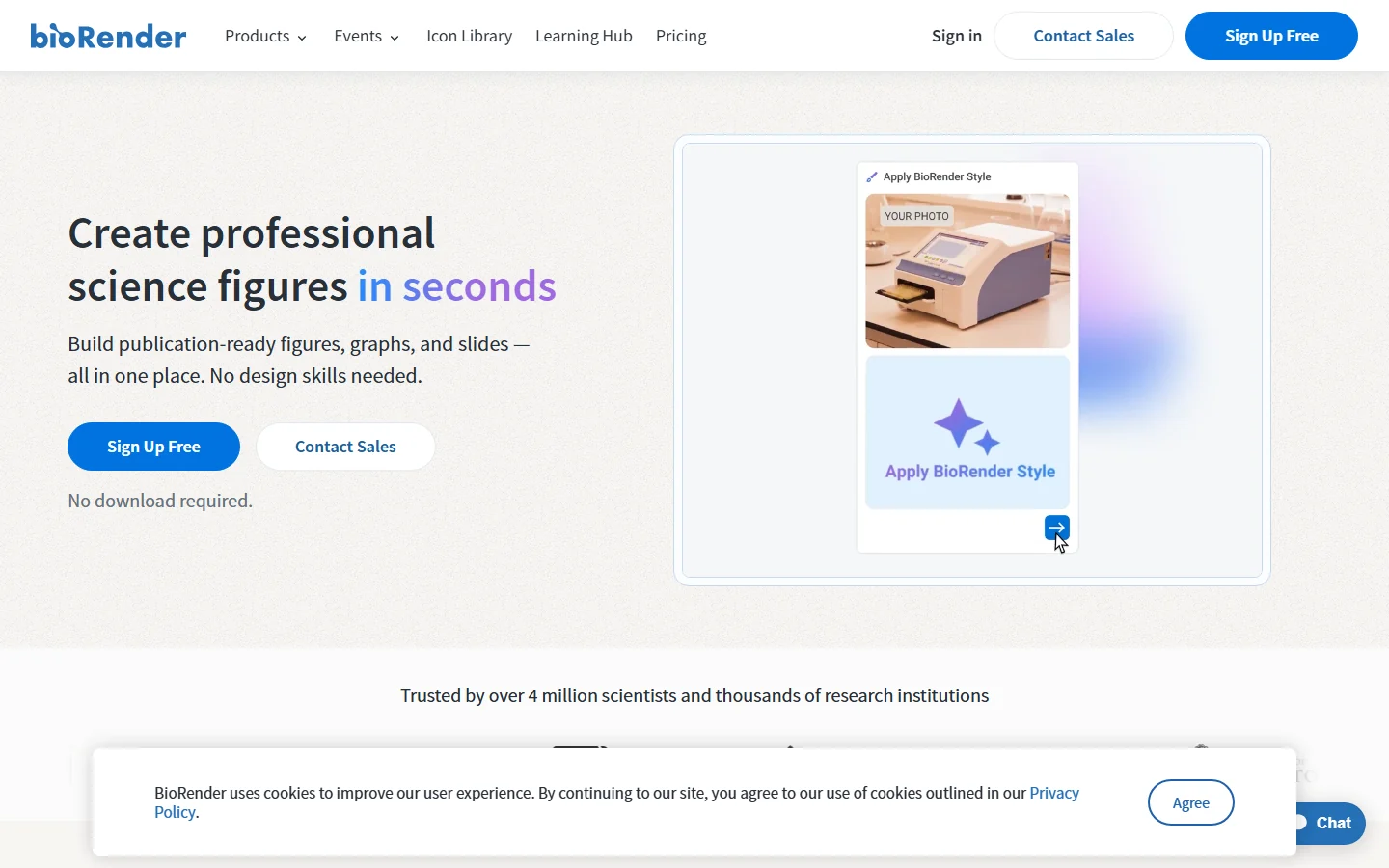
Best BioRender alternatives
A roundup of free and paid tools, from Inkscape to Servier Medical Art.
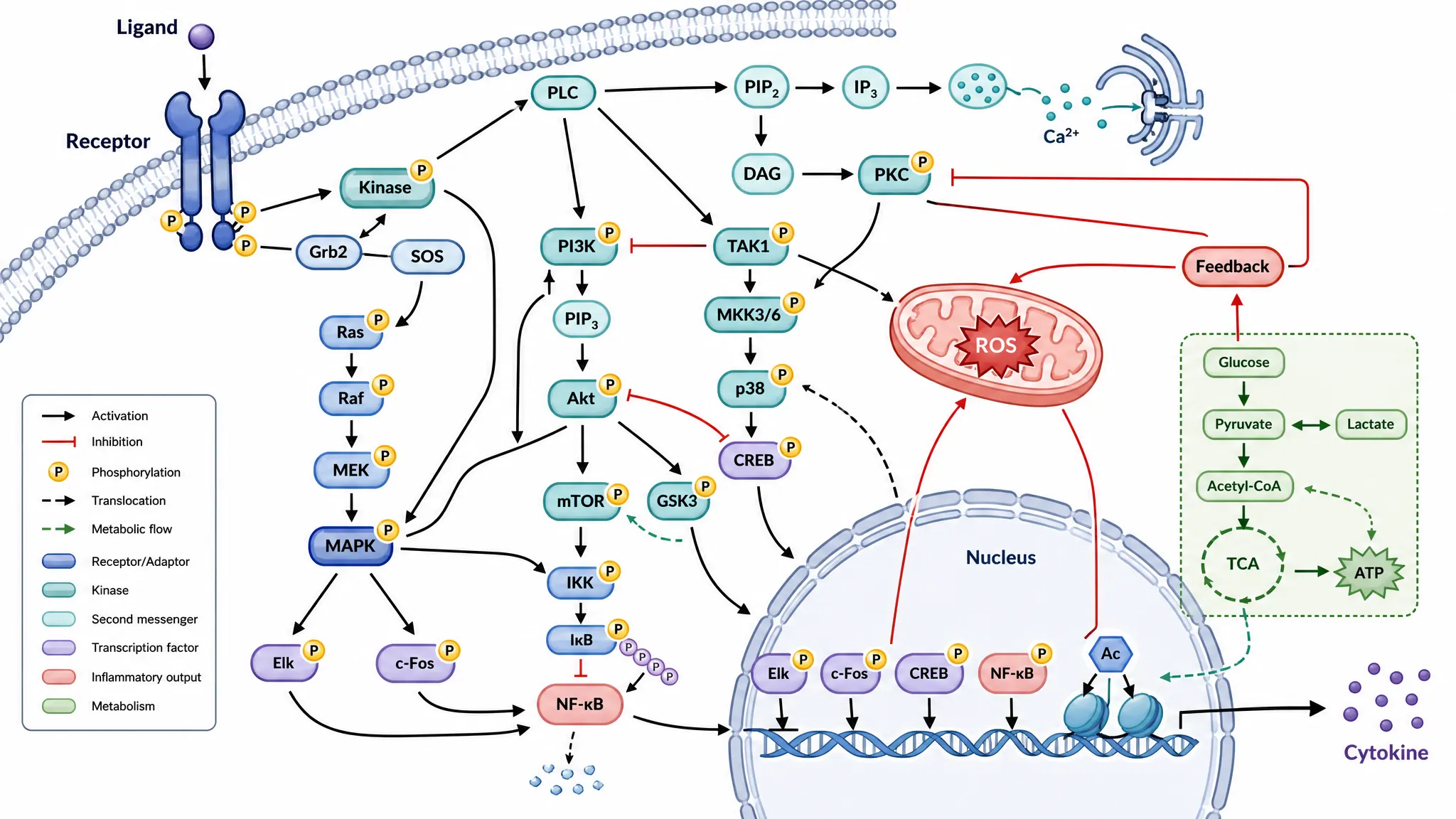
Biological Pathway Diagram Generator
Draft signaling and metabolic pathway figures from a description.
Recreate a figure from a prompt
Describe a figure you already have, or upload a sketch, and compare the draft. Your first AI figure is a free trial.
Open AI DrawingLast checked: September 15, 2026. Sources: BioRender pricing, SciFigure AI pricing. Prices and licenses change, so confirm on the official site before you buy.