
Free Mermaid converter
Mermaid to PNG converter: turn Mermaid code into an image
Paste Mermaid code from GitHub, GitLab, Notion, Obsidian or a chat assistant and get a clean image for slides, documents and papers. Every diagram type the current renderer draws works, from flowcharts and sequence diagrams to Gantt charts, mind maps and Sankey diagrams. Choose 1×, 2× or 4× resolution and a white, transparent or dark background, or download SVG and PDF with real text. Errors are shown with their line number.
Paste the code without the ```mermaid fence. Front matter and %%{init}%% settings in your code are kept, except security settings.
Everything runs in your browser: your code is never uploaded, and it is saved on this device for next time.
Step by step
How to convert Mermaid to PNG
Five steps from Mermaid code to an image file, for slides, documents, papers and chats.
- 1
Paste your Mermaid code
Copy the code from a Markdown file, a wiki or a chat answer and paste it into the code box. Leave out the ```mermaid fence: the first line should be the diagram type, such as flowchart LR or sequenceDiagram.
- 2
Fix any error it reports
If the code does not parse, the message names the line and what Mermaid expected there; Go to line selects it. The last version that drew stays on screen while you fix it.
- 3
Pick theme and background
Default matches GitHub; Neutral prints well in black and white; Dark suits dark slides. Choose a white background for documents, transparent for slides and designs, or dark for dark themes.
- 4
Choose the PNG size
1× is the size on screen, 2× is sharp on high-resolution displays and in slides, 4× is for print and posters. The exact pixel size is shown next to the buttons.
- 5
Download PNG, SVG or PDF
Download PNG, or Copy PNG to paste it straight into PowerPoint, Google Slides, Word or a chat. Use SVG or PDF when the diagram must stay sharp at any size or be edited later.
Diagram type reference
Mermaid diagram types and their first line
Every diagram type the converter draws, with the keyword its code must start with. Open loads a working example into the converter; beta types may still change their syntax in later Mermaid releases.
Flow and process
| Diagram | First line | What it draws |
|---|---|---|
Flowchart Flowchart maker | flowchart | Steps, decisions and arrows; also written graph TD. |
Block diagram | block | Blocks on a grid you control, rather than an automatic layout. |
User journey | journey | The steps of a task with a satisfaction score for each. |
Swimlane diagramBeta Swimlane diagram maker | swimlane-beta | A flowchart whose top-level subgraphs become lanes for each owner. |
Agent flowBeta | agentflow-beta | An AI agent workflow with inputs, tasks, tools, decisions and actions. |
UML and software
| Diagram | First line | What it draws |
|---|---|---|
Sequence diagram Sequence diagram generator | sequenceDiagram | Messages between participants over time. |
Class diagram UML diagram generator | classDiagram | Classes, attributes, methods and their relationships. |
State diagram State diagram generator | stateDiagram-v2 | States of one object and the events that move it between them. |
Entity relationship diagram ER diagram generator | erDiagram | Database tables, keys and crow’s foot cardinality. |
Use case diagramBeta Use case diagram generator | usecase-beta | Actors, the system boundary and its use cases. |
Requirement diagram | requirementDiagram | Requirements, what satisfies them and how they are verified (SysML). |
C4 context diagram | C4Context | Software architecture at the context, container and component levels. |
Architecture diagramBeta | architecture-beta | Services and infrastructure, with edges fixed to a side of each icon. |
Git graph | gitGraph | Branches, commits and merges of a repository. |
Packet diagram | packet | The bit layout of a binary record or network packet. |
Charts and data
| Diagram | First line | What it draws |
|---|---|---|
Sankey diagram Sankey diagram generator | sankey | Flows with widths proportional to their size, written as CSV rows. |
Pie chart | pie | Parts of a whole, with optional values shown. |
XY chart | xychart | Line and bar charts on x and y axes. |
Quadrant chart | quadrantChart | Items placed on two axes split into four quadrants. |
Radar chartBeta Radar chart maker | radar-beta | Several items compared on the same axes (illustrative 1–5 scores here). |
TreemapBeta | treemap-beta | Nested rectangles sized by value. |
Venn diagramBeta Venn diagram maker | venn-beta | Overlapping sets and what they share. |
Planning
| Diagram | First line | What it draws |
|---|---|---|
Gantt chart | gantt | Tasks on a timeline with dependencies and milestones. |
Timeline | timeline | Events grouped by period. |
Kanban board | kanban | Columns of task cards. |
Maps and structure
| Diagram | First line | What it draws |
|---|---|---|
Mind map | mindmap | Ideas branching from a central topic, by indentation. |
Ishikawa (fishbone) diagramBeta Fishbone diagram maker | ishikawa-beta | Causes of a problem grouped into categories. |
Tree viewBeta | treeView-beta | A folder and file tree from indentation; / marks a folder, ## a note. |
Wardley mapBeta | wardley-beta | Parts of a value chain placed by visibility and maturity. |
Cynefin frameworkBeta | cynefin-beta | Problems sorted into the clear, complicated, complex, chaotic and confused domains. |
Railroad (syntax) diagramBeta | railroad-beta | A grammar drawn as tracks; EBNF, ABNF and PEG variants also exist. |
Where Mermaid works
Mermaid in GitHub, GitLab, Notion and Obsidian
Write the same code in each of these and it is drawn on the page. Everywhere else, use an image.
| Platform | How to write it | Where it renders |
|---|---|---|
| GitHub | A fenced code block: ```mermaid … ``` | Issues, pull requests, discussions, wikis and .md files |
| GitLab | A fenced code block: ```mermaid … ``` | Issues, merge requests, wikis and Markdown files |
| Notion | A code block with the language set to Mermaid | Pages; switch the block between code, preview and split view |
| Obsidian | A fenced code block: ```mermaid … ``` | Notes, in reading view and live preview |
| Word, PowerPoint, Google Slides, email, journals | Not rendered | Insert the PNG (or SVG / PDF) from this converter |
Common mistakes
Six Mermaid export mistakes and their fixes
Pasting the Markdown fence
Wrong```mermaid on the first line and ``` on the last.
RightPaste only what is between the fences, starting with the type keyword (flowchart, gantt…).
Unquoted brackets in labels
WrongA[Incubate (37 °C)] --> B
RightA["Incubate (37 °C)"] --> B: quote any label that contains brackets or quotes.
A beta type without its suffix
Wrongradar, venn or treeView on the first line.
Rightradar-beta, venn-beta, treeView-beta: the beta types are only recognised with the suffix.
A 1× PNG in a printed poster
WrongA small screen-size PNG stretched to fill a poster panel, with blurred text.
RightExport at 4×, or use SVG or PDF, which stay sharp at any size.
Dark text on a dark slide
WrongA transparent PNG in the Default theme placed on a navy slide: the lines and text disappear.
RightSwitch to the Dark theme before exporting, or keep a white background.
Screenshots instead of exports
WrongA screenshot of the GitHub preview, at screen resolution and with page clutter.
RightExport the PNG here at 2× or 4×: exact edges, chosen background, no page around it.
How this Mermaid to image converter works
The converter runs the same open-source renderer as GitHub and most Markdown editors, in your browser, then turns the drawing into a file.
- The code is parsed and drawn as you type. Parse errors appear with the line number and a plain-English explanation; the parser’s own message is under Parser details.
- The drawing is exported as a standalone SVG with an explicit size and your background, then drawn onto a canvas at 1×, 2× or 4× to make the PNG. With a transparent background, the PNG keeps an alpha channel.
- Labels are drawn as SVG text, not HTML, so the SVG and PDF open with real, editable text in Illustrator, Inkscape, PowerPoint and LaTeX workflows.
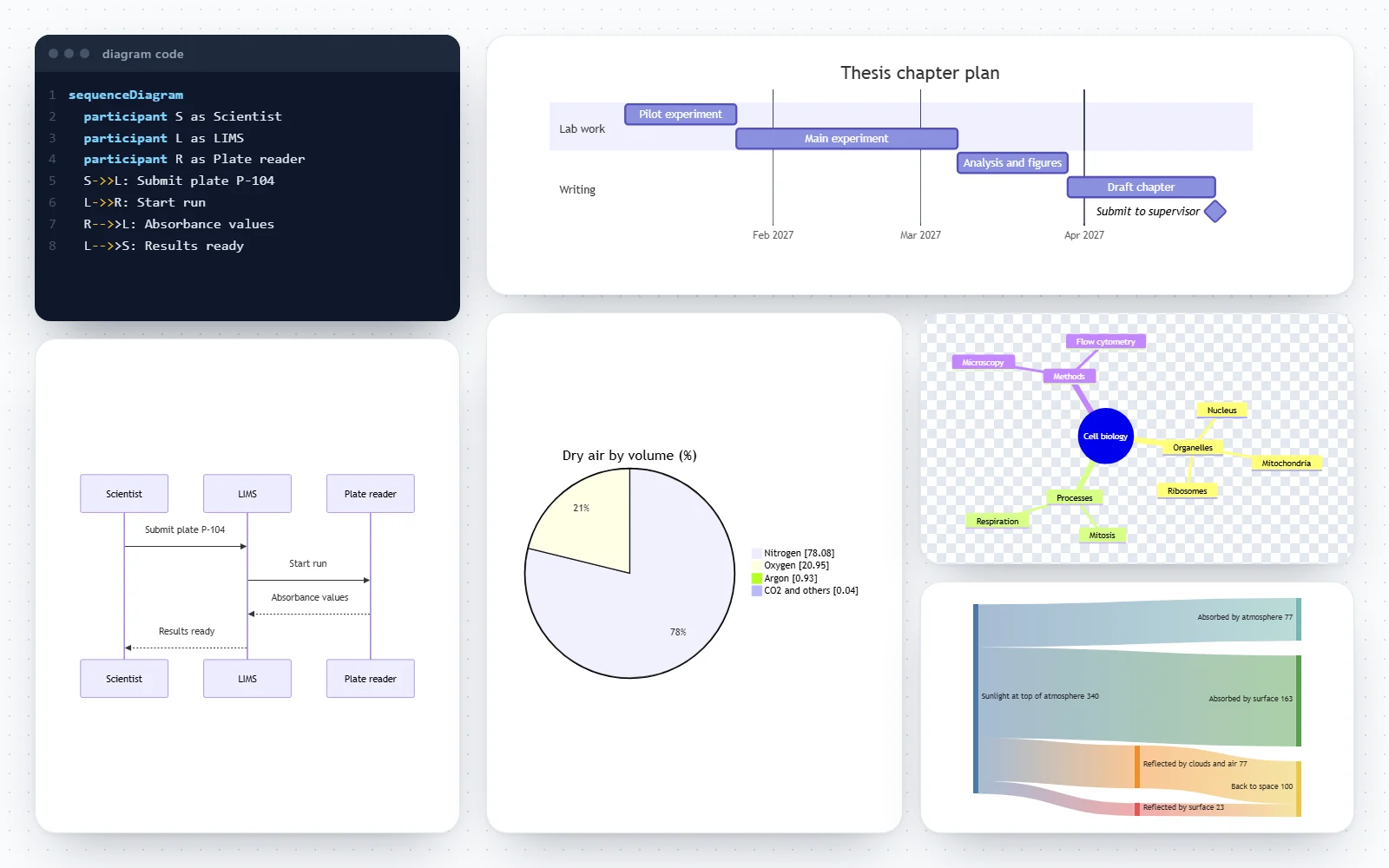
- Thirty-one examples, one for every diagram type in the renderer, load from the Example menu above the code or from the diagram type table.
Every Mermaid diagram type, including the beta ones
The converter accepts anything the bundled renderer (Mermaid 12.2) can draw. The diagram type table above opens a working example of each one.
- Flow and process: flowchart (or graph), block, user journey, swimlane-beta and agentflow-beta.
- UML and software: sequenceDiagram, classDiagram, stateDiagram-v2, erDiagram, usecase-beta, requirementDiagram, C4 diagrams (C4Context, C4Container, C4Component, C4Dynamic, C4Deployment), architecture-beta, gitGraph and packet.
- Charts and data: pie, xychart, quadrantChart, sankey, radar-beta, treemap-beta and venn-beta.
- Planning: gantt, timeline and kanban. Maps and structure: mindmap, ishikawa-beta, treeView-beta, wardley-beta, cynefin-beta and railroad-beta (with EBNF, ABNF and PEG variants).
- Not supported here: event modeling diagrams, whose labels exist only as HTML, and ZenUML, which needs a separate plugin.
Where Mermaid diagrams render, and why you still need an image
Mermaid is written as text inside Markdown, and many tools draw it on the fly. The platform table above shows how to write it in each one.
- GitHub renders a ```mermaid code block in issues, pull requests, discussions, wikis and Markdown files; GitLab does the same in its Markdown.
- Notion draws Mermaid in a code block set to the Mermaid language, and Obsidian renders ```mermaid blocks in notes out of the box.
- Word, PowerPoint, Google Slides, Keynote, email, most chat apps, journals and print do not. There you need an image, and that is what this page makes.
- An image also freezes the drawing: renderers update over time, and the same code can look different on another site or next year. A PNG or SVG in your paper or slide deck stays exactly as you approved it.
PNG, SVG or PDF?
All three come from the same drawing; pick by where it is going.
- PNG: a picture made of pixels that every program opens. 1× gives the size you see in the preview; 2× doubles the width and height for sharp slides and high-resolution screens; 4× is for print and posters.
- For print, divide the pixel width by the resolution the printer or journal asks for: a 4× PNG of a diagram 800 px wide is 3,200 px, about 27 cm (10.7 in) wide at 300 dpi.
- SVG: a vector file that stays sharp at any size, with labels as real text you can edit. Best for web pages, LaTeX, Illustrator, Inkscape and further editing.
- PDF: Print, then Save as PDF gives a vector PDF of the diagram alone, with selectable text, for theses, reports and journal submissions that ask for PDF figures.
Transparent background PNGs
Choose Transparent and the area around the diagram is left empty in the PNG and the SVG, so the diagram sits on any slide colour or design.
- Shapes keep their own fill colour; only the page behind them becomes transparent. The preview shows a checkerboard where it is.
- Check the text colour: the Default and Neutral themes use dark text and lines, for light slides. For a dark slide, use the Dark theme with a transparent or dark background.
- Some programs show transparency as white or black in their preview; the PNG itself still has the alpha channel.
Themes, front matter and %%{init}%% settings
Mermaid lets the code carry its own settings, and the converter keeps them.
- The Theme menu sets Default, Neutral, Forest, Dark or Base. A theme written in the code wins: %%{init: {"theme": "forest"}}%% on the first line, or a config: block in YAML front matter between --- lines.
- themeVariables in the code (colours, font size, line colours) are applied, so a diagram styled for your documentation exports with that style.
- Security settings in the code are ignored: the security level stays strict, HTML labels stay off and custom CSS is not applied.
- Text uses Mermaid’s default font stack (Trebuchet MS, Verdana, Arial), as on GitHub. If your fonts differ, the layout may shift slightly between machines.
Fixing Mermaid syntax errors
Most errors come from a handful of causes. The message names the line; check these first.
- The first line is not a diagram type: a ```mermaid fence pasted with the code, a typo (sequencediagram, flowChart), or a beta type without its suffix, such as radar instead of radar-beta.
- Brackets or special characters inside a label: A[Centrifuge (5 min)] fails, A["Centrifuge (5 min)"] works. Put any label with ( ) [ ] { } or quotes inside double quotes.
- A flowchart node called end in lower case breaks the chart: write End or finish instead.
- An arrow written for another diagram type: -> in a flowchart (it needs -->), or --> in a sequence diagram where messages are ->> and -->>.
- Indentation in mind maps, Ishikawa diagrams, tree views and treemaps: children must be indented further than their parent, with spaces used consistently.
Safe for any code you paste
Mermaid code can include links, click handlers and HTML, so a converter has to be careful with code from the internet.
- The renderer runs in strict security mode: text is escaped and click handlers and callbacks are disabled, so pasted code cannot run script.
- Before the drawing is shown or exported, it is parsed as XML and cleaned again: scripts, embedded HTML, external images and event handlers are removed.
- Nothing is uploaded: the code, the drawing and the files never leave your browser. Your last code is kept on this device so it is there next time.
From the command line instead
For dozens of diagrams in a build pipeline, use the official command-line tool; for one diagram now, this page is quicker.
- The Mermaid CLI (npm package @mermaid-js/mermaid-cli) converts files with mmdc -i diagram.mmd -o diagram.png; -s 2 sets the scale and -b transparent the background.
- It runs a headless browser, so it needs Node.js and a Chromium download; this page needs nothing installed.
- Both use the same renderer, so code that converts here converts there, apart from version differences.
Building a diagram rather than converting one?
If you are starting from a blank page, the site’s diagram editors add builders, templates and notation checks on top of the same Mermaid code.
- Flowchart maker: standard ISO 5807 symbols, yes/no decisions, a flowchart check and lab templates.
- UML class, sequence, state, use case and ER diagram generators with click-through builders and UML notation tables.
- Data flow diagram generator with a DFD rule check. Every editor exports the same PNG, SVG and PDF files and copies its code as a Mermaid block.
Frequently asked questions
Is this Mermaid to PNG converter free?
Yes. There is no sign-up, no watermark and no limit. The conversion runs entirely in your browser, so it also works for private code: nothing is uploaded.
How do I convert a Mermaid diagram to PNG?
Paste the code (without the ```mermaid fence) into the code box, check the preview, choose the size (1×, 2× or 4×) and the background, then click Download PNG. Copy PNG puts the image on the clipboard instead.
Which Mermaid diagram types does it support?
Every type the bundled renderer (Mermaid 12.2) draws with SVG text: flowchart, sequence, class, state, ER, user journey, Gantt, pie, quadrant, requirement, git graph, C4, mind map, timeline, Sankey, XY chart, block, packet, kanban and architecture diagrams, plus the beta types radar, treemap, Venn, Ishikawa, tree view, use case, Wardley, Cynefin, railroad, swimlane and agent flow. Event modeling and ZenUML are not supported.
How do I get a PNG with a transparent background?
Set Background to Transparent before downloading. The PNG and SVG then have nothing behind the diagram; shapes keep their fill. Pick a theme whose text colour suits the slide the image goes on.
Which resolution should I choose?
2× for slides, documents and screens, 4× for posters and print. A 4× PNG has four times the width and height of the on-screen size; for print, divide the pixel width by 300 to get the width in inches at 300 dpi. Very large diagrams at 4× are reduced to stay within what browsers can draw, and the size note says so.
Can I convert Mermaid to SVG or PDF too?
Yes. SVG downloads directly; PDF opens the print dialog with only the diagram, where Save as PDF gives a vector PDF. Both keep the labels as text, so they stay sharp and can be edited.
Is my code uploaded or stored anywhere?
No. Parsing, drawing and exporting all happen in your browser. The last code you used is saved in this browser only, so it is still there when you come back.
Why does my code show an error?
The message gives the line and what the parser expected. The usual causes are a pasted ```mermaid fence, a misspelt or unsuffixed type keyword, unquoted brackets inside a label, or an arrow from another diagram type. The section on fixing syntax errors lists each with its fix.
Does it keep %%{init}%% themes and front matter settings?
Yes. A theme, themeVariables or diagram settings written in the code are applied and override the Theme menu. Only security settings, HTML labels and custom CSS are ignored, so pasted code cannot change how safely it is drawn.
How do I add a Mermaid diagram to GitHub or GitLab?
Put the code in a fenced code block with the language mermaid (```mermaid on the line before, ``` after) in any Markdown file, issue, pull request or wiki page. Both sites draw it when the page is viewed.
Do Notion and Obsidian support Mermaid?
Yes. In Notion, add a code block and set its language to Mermaid, then switch it to preview. In Obsidian, write a ```mermaid code block in a note. To use the diagram outside those apps, export it here.
Can I convert Mermaid to PNG from the command line?
Yes, with the official Mermaid CLI: install @mermaid-js/mermaid-cli and run mmdc -i diagram.mmd -o diagram.png, adding -s 2 for double scale or -b transparent for a transparent background. It suits batches and build pipelines; this page suits one-off conversions.
Why are click links or icons missing from my diagram?
For safety the renderer runs in strict mode, which turns off click links and callbacks, and the drawing is cleaned of HTML and external images before export. Icons from external icon packs and Font Awesome classes therefore do not appear; the built-in architecture icons do.
Will the image look exactly like it does on GitHub?
Very close: it is the same renderer and the same default theme and font. Small differences come from renderer versions (sites update on their own schedule) and from the fonts installed on your computer.
Diagram editors that export the same files
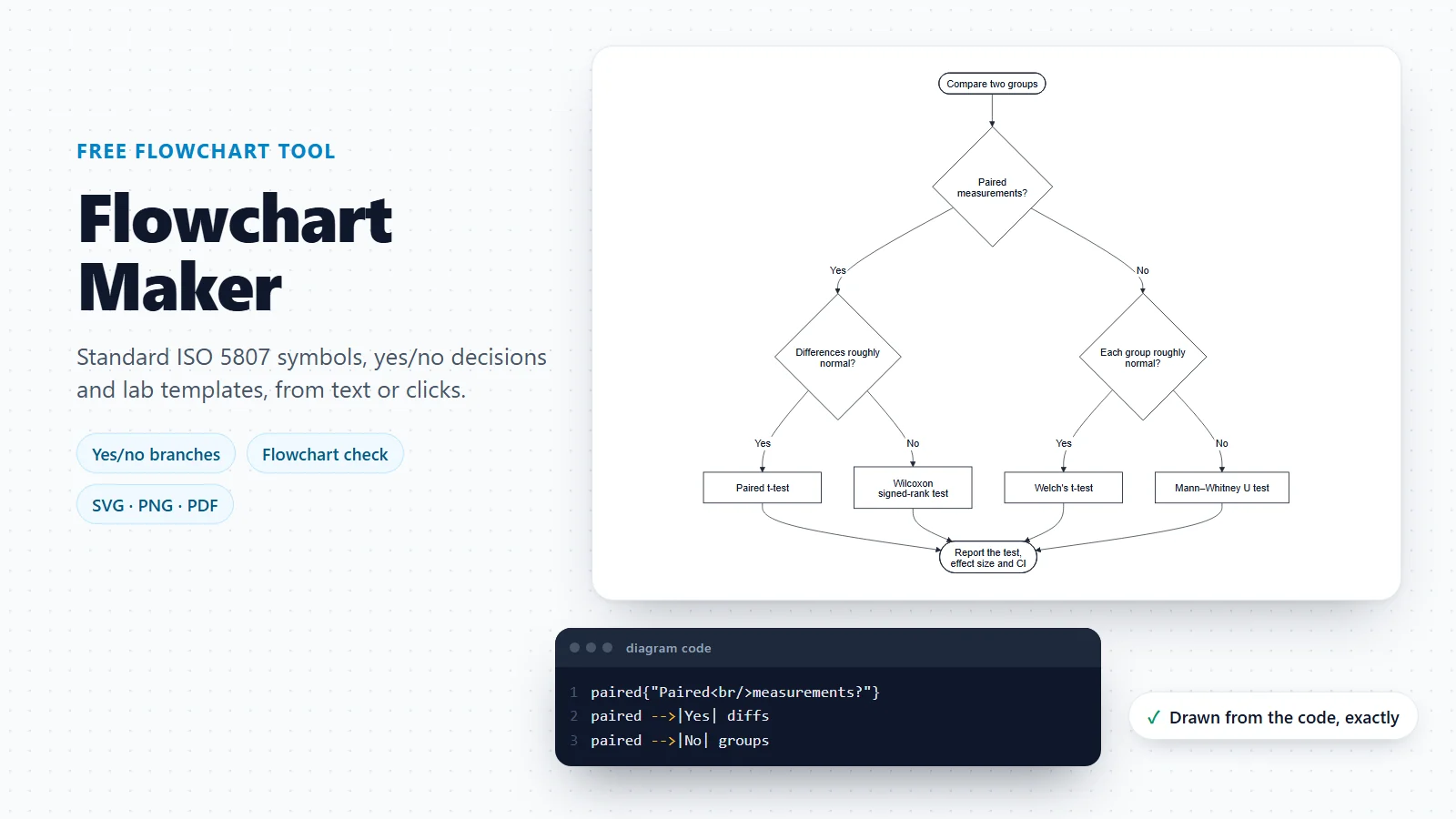
Flowchart Maker
Build flowcharts with standard symbols, yes/no decisions and a flowchart check.
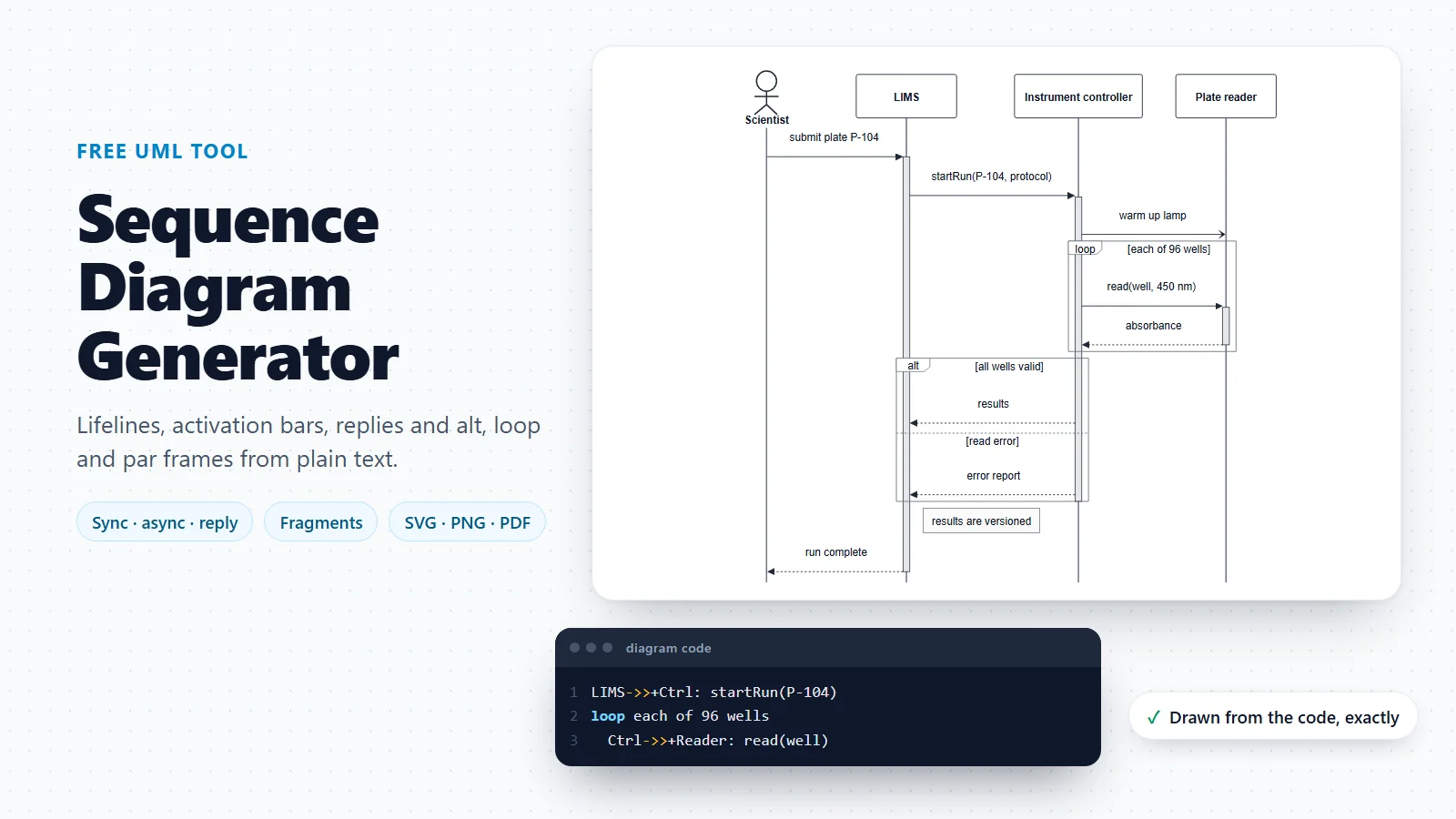
Sequence Diagram Generator
UML sequence diagrams with a builder for messages, activations and fragments.
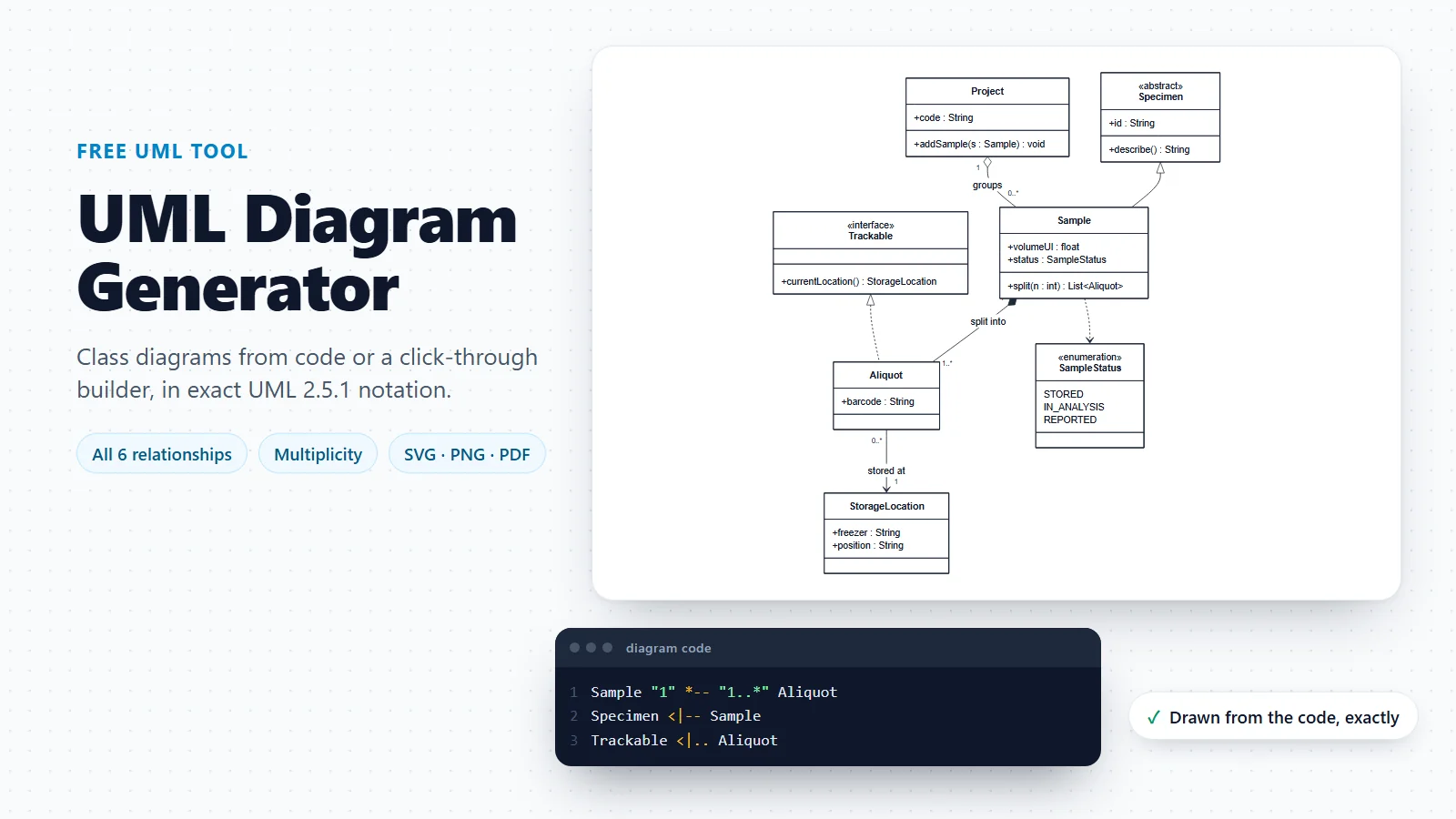
UML Diagram Generator
Class diagrams in exact UML notation, and a guide to every UML diagram type.
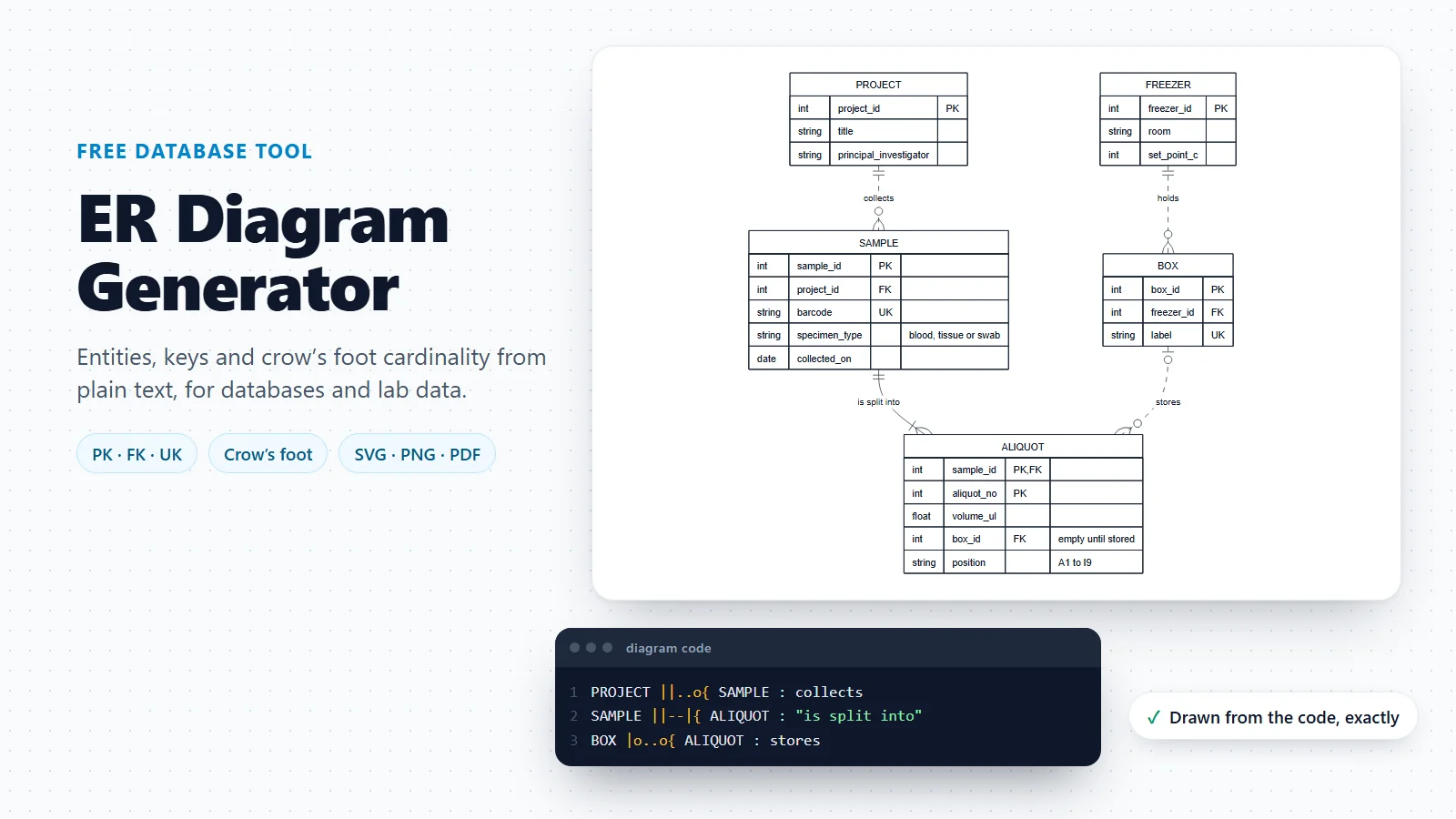
ER Diagram Generator
Entity relationship diagrams with keys and crow’s foot cardinality.
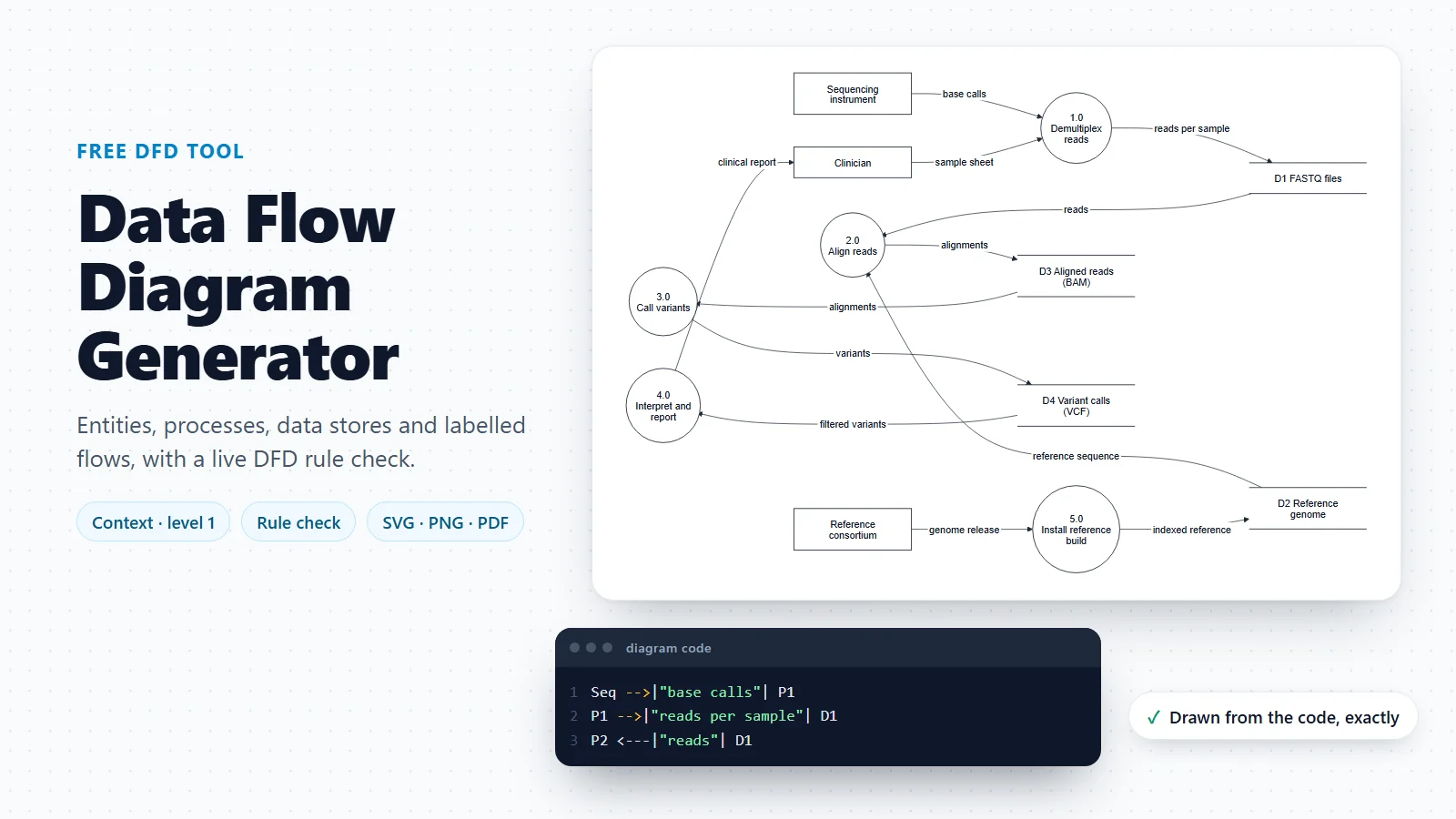
Data Flow Diagram Generator
Data flow diagrams with a live check of the classic DFD rules.
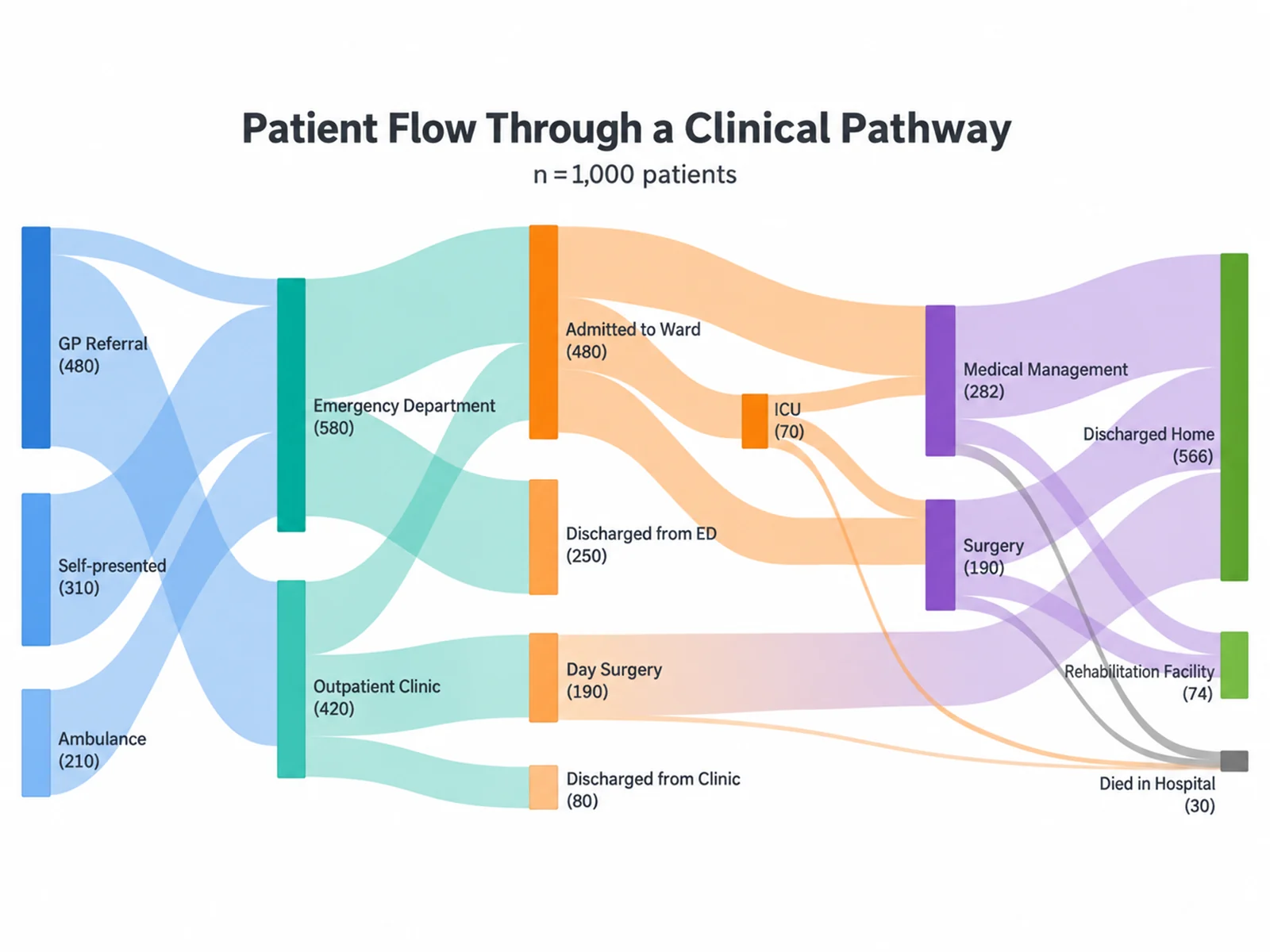
Sankey Diagram Generator
Sankey diagrams from a table of flows, with full control of colours and labels.
Starting a diagram from scratch?
The flowchart maker adds standard symbols, a click builder, templates and a flowchart check on top of the same Mermaid code, with the same exports.
Open the flowchart makerLast checked: November 17, 2026, with Mermaid 12.2. Sources: Mermaid diagram syntax reference; Mermaid usage and security levels; Mermaid directives (%%{init}%%); GitHub Docs: creating Mermaid diagrams; GitLab Docs: Mermaid in GitLab Flavored Markdown; Mermaid CLI (mmdc) on GitHub. Mermaid is an open-source project; this converter is not affiliated with it. The example diagrams are illustrations, and the radar scores are judgements, not measurements.