
Free biology tool
Dichotomous key maker for any set of organisms
List your organisms, list the traits that tell them apart, and tick the boxes. This dichotomous key maker works out which trait to use at each step, numbers the couplets the way a printed key is numbered, and draws the branching tree beside it. Export a PNG, an editable SVG, the plain-text key, or the trait table as CSV.
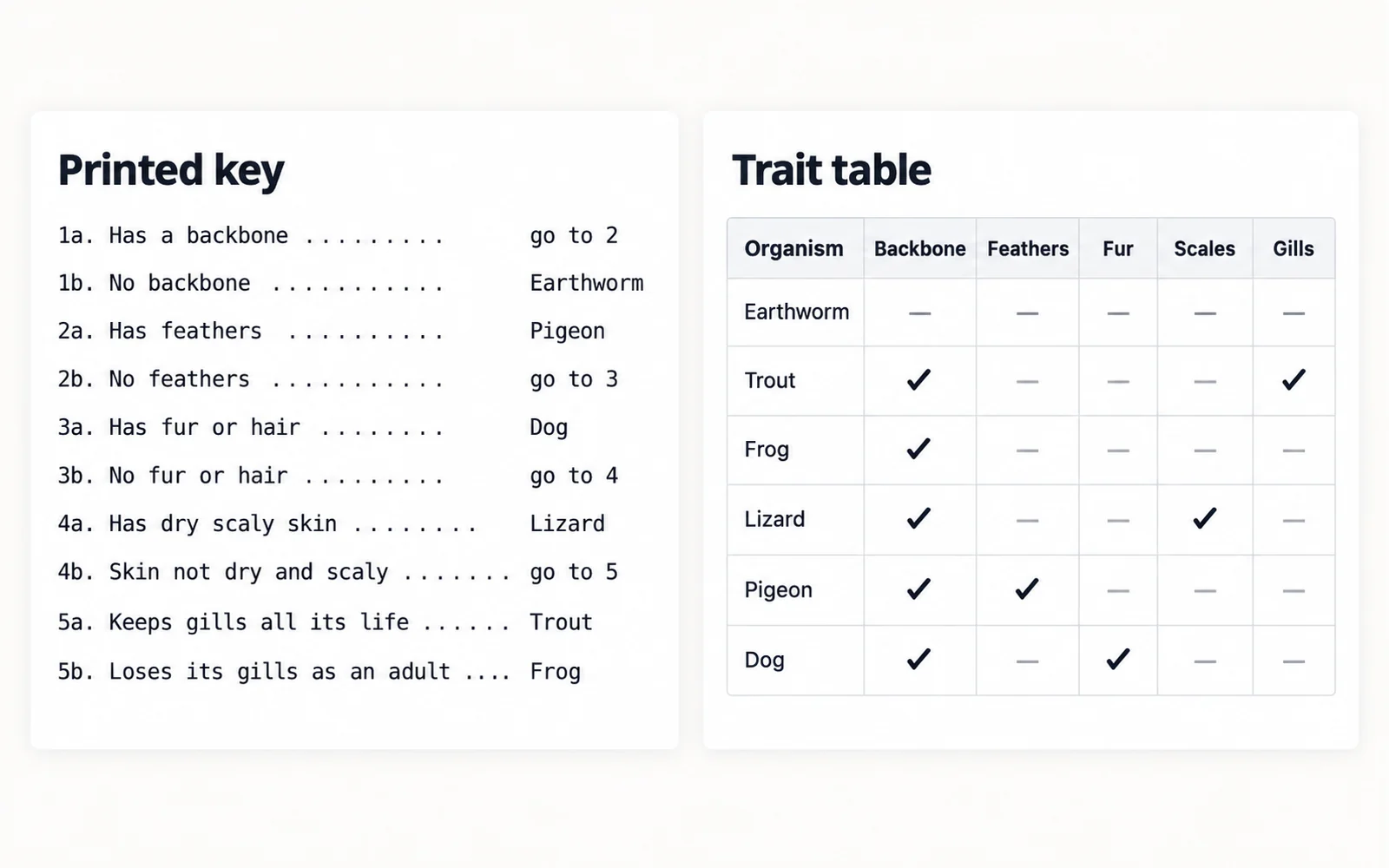
1a. Has a backbone ............................................... go to 2
1b. No backbone ................................................ Earthworm
2a. Has feathers .................................................. Pigeon
2b. No feathers .................................................. go to 3
3a. Has fur or hair .................................................. Dog
3b. No fur or hair ............................................... go to 4
4a. Has dry scaly skin ............................................ Lizard
4b. Skin not dry and scaly ....................................... go to 5
5a. Keeps gills all its life ....................................... Trout
5b. Loses its gills as an adult ..................................... Frog
Each step uses the first trait in your list that still splits the group, the way a field key is written.
| Organism | 1 | 2 | 3 | 4 | 5 | |
|---|---|---|---|---|---|---|
Tick a box when the organism has that trait. Hover a column number to see which trait it is.
How to make a dichotomous key
A dichotomous key identifies an unknown organism by asking a series of either-or questions. Each step offers exactly two choices — that is what "dichotomous" means — and each choice either names the organism or sends you to another step. Building one is a matter of choosing the right trait at each fork.
- List every organism the key has to separate. A key only works inside the group it was written for, so decide that group first.
- List traits that are observable, stable, and genuinely either-or. "Has feathers" works; "is large" does not, because large compared with what?
- Tick the box for every organism that has each trait. Leave it clear when it does not.
- The tool picks a trait at each step, splits the group in two, and repeats until every organism stands alone.
- Read the result as numbered couplets: 1a and 1b are the two choices at step 1, and each either names an organism or says which step to go to next.
Choosing traits that actually work
Most keys that fail do so because of the traits, not the structure. A trait has to give the same answer every time, for every individual, no matter who is looking.
- Prefer presence or absence over degree. "Has a backbone" beats "has a strong skeleton".
- Avoid traits that change with age or season. A tadpole and an adult frog would answer "has a tail" differently.
- Avoid anything that needs a measurement the user will not have, unless you supply the threshold in the statement itself.
- Write the opposite statement out in full rather than leaving it as "not the above". A reader coming into the key halfway through needs both leads to stand on their own.
- If two organisms answer every trait the same way, the key cannot separate them. The tool says so rather than quietly merging them, and you add a trait that differs.
Which trait comes first
Two keys over the same organisms can both be correct and look completely different, because there is more than one defensible order for the questions. The tool offers both approaches.
- "My order" takes the first trait in your list that still splits the group. This is how a field key is written: the most fundamental character first, even when it separates only one organism from the rest.
- "Shortest key" picks whichever trait divides the group most evenly at each step, which gives the fewest couplets and the shallowest tree.
- For teaching, "my order" usually reads better, because the first question matches the grouping students already have in mind — needles against broad leaves, backbone against no backbone.
- For a key over many organisms, "shortest key" keeps the number of steps down, which matters once a key runs past about twenty entries.
- The two settings never change which organism a path leads to. They only change the route.
Printing a key for classroom use
The same key is usually wanted in two forms: the numbered text for working through, and the tree for seeing the structure at a glance.
- The printed key is the traditional numbered form with leader dots, ready to paste into a worksheet.
- The tree shows the same key as a branching diagram, with the couplet number at each fork and the trait statement on each branch.
- Export the PNG for a document or slide, or the SVG to edit the text in Illustrator, Inkscape, or PowerPoint.
- Export the trait table as CSV to hand students the raw observations and have them build the key themselves.
- For an assessment, print the tree with the organism names removed and ask students to fill them in from the trait table.
Frequently asked questions
Is this dichotomous key maker free?
Yes. It runs entirely in your browser, needs no account, and exports PNG, SVG, text, and CSV without a watermark. Nothing you enter is uploaded to a server.
What is a dichotomous key?
A tool for identifying an unknown organism by working through a series of paired either-or statements. "Dichotomous" means divided in two: every step offers exactly two choices, and each choice either names the organism or directs you to another numbered step. Keys are used for trees, insects, rocks, and anything else that has to be identified in the field.
What do 1a and 1b mean in a key?
They are the two leads of couplet 1 — the two choices at the first step. You pick whichever describes your specimen. If the lead ends in a name, that is your identification; if it says "go to 4", you jump to couplet 4 and choose again. Couplets are numbered in the order they are reached, following the "a" lead all the way down first, which is why 1b often jumps to a much higher number.
How many traits do I need?
At least one fewer than the number of organisms, and only if each trait splits the group usefully. Six organisms need a minimum of five traits. In practice you want a few spare, because some traits will turn out not to separate anything in the branch where you need them.
What if two organisms have identical traits?
The key cannot separate them, so both names appear on the same lead and the tool warns you and names them. Add a trait that differs between the two and they will split. The tool never guesses a difference that is not in your table.
Can I use this for something other than animals?
Yes. The tool has no biology built into it — it works from whatever trait table you enter. People use dichotomous keys for leaves and trees, minerals and rocks, cloud types, bacteria on culture plates, and laboratory glassware. The three presets cover animals, tree leaves, and arthropods as starting points.
Why does my key look different from the one in the textbook?
Because more than one correct key exists for the same organisms. Any trait that splits the group is a valid first question, so the order of the couplets is a choice rather than a fact. Switch between "my order" and "shortest key" to see two valid versions of the same key; both lead to the same identifications.
Related tools
Cladogram Maker
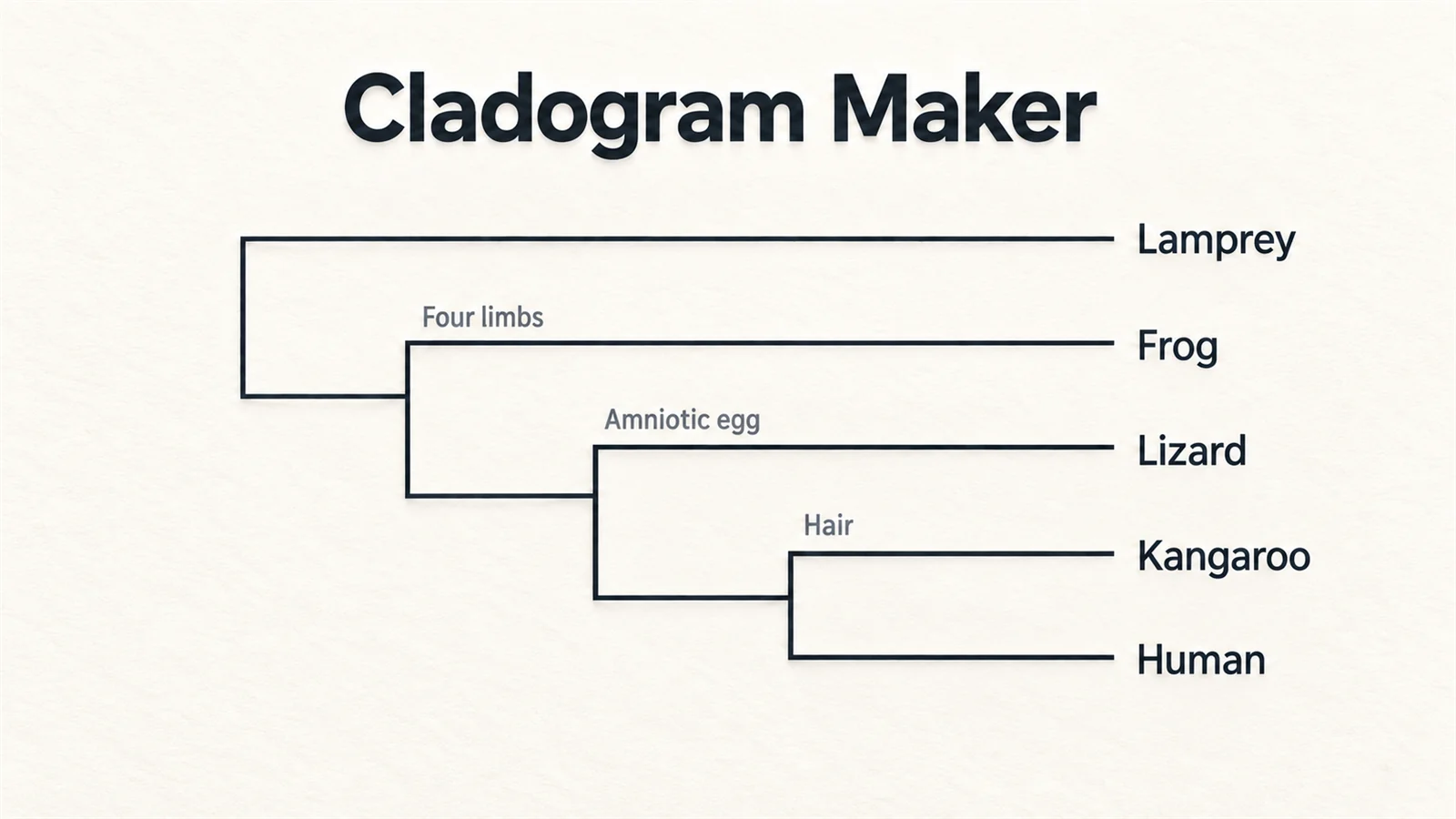
Build a cladogram from a character matrix with shared derived traits.
Phylogenetic Tree Maker
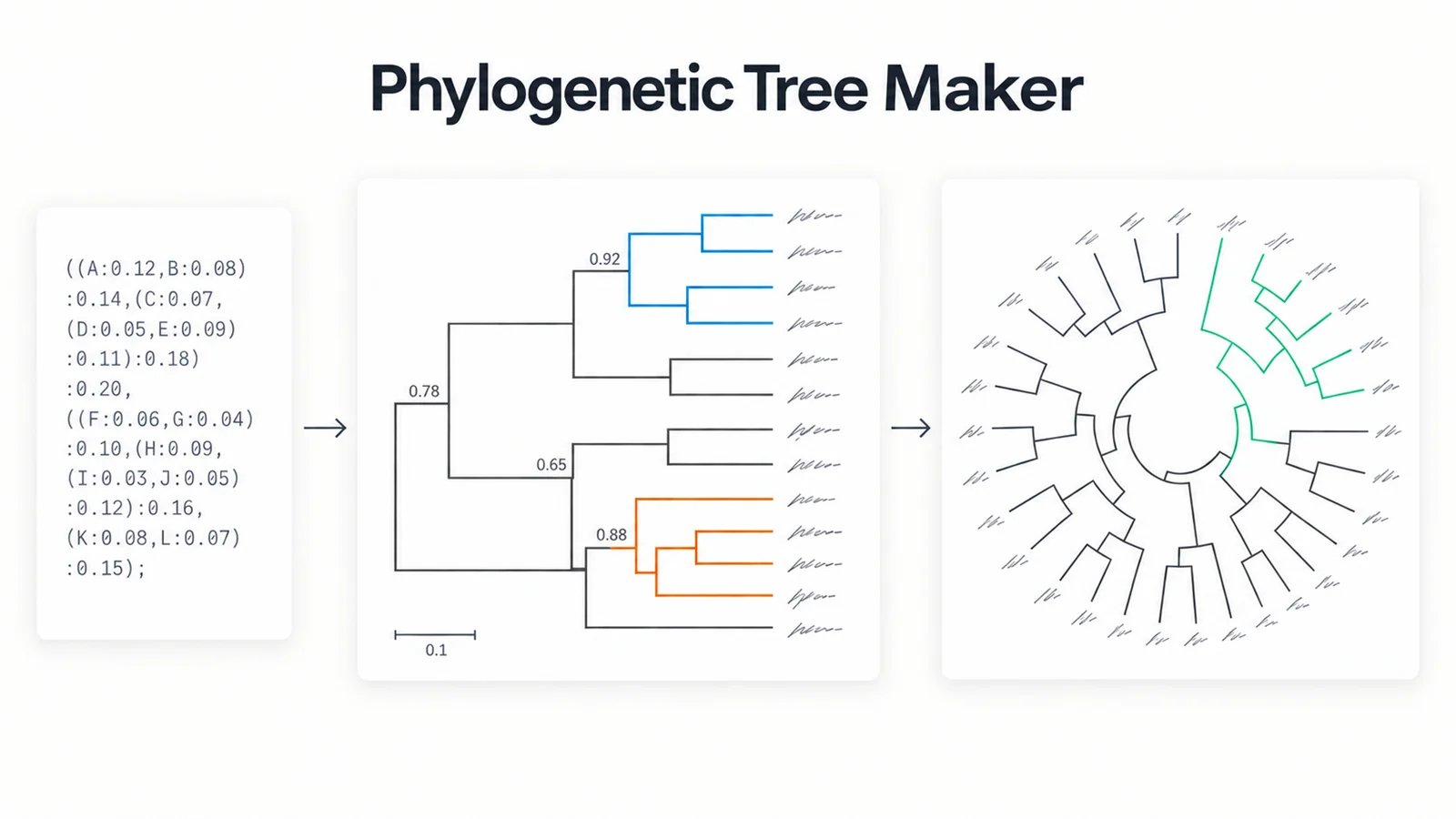
Draw phylogenetic trees from Newick or a simple taxon list.
Food Web Maker
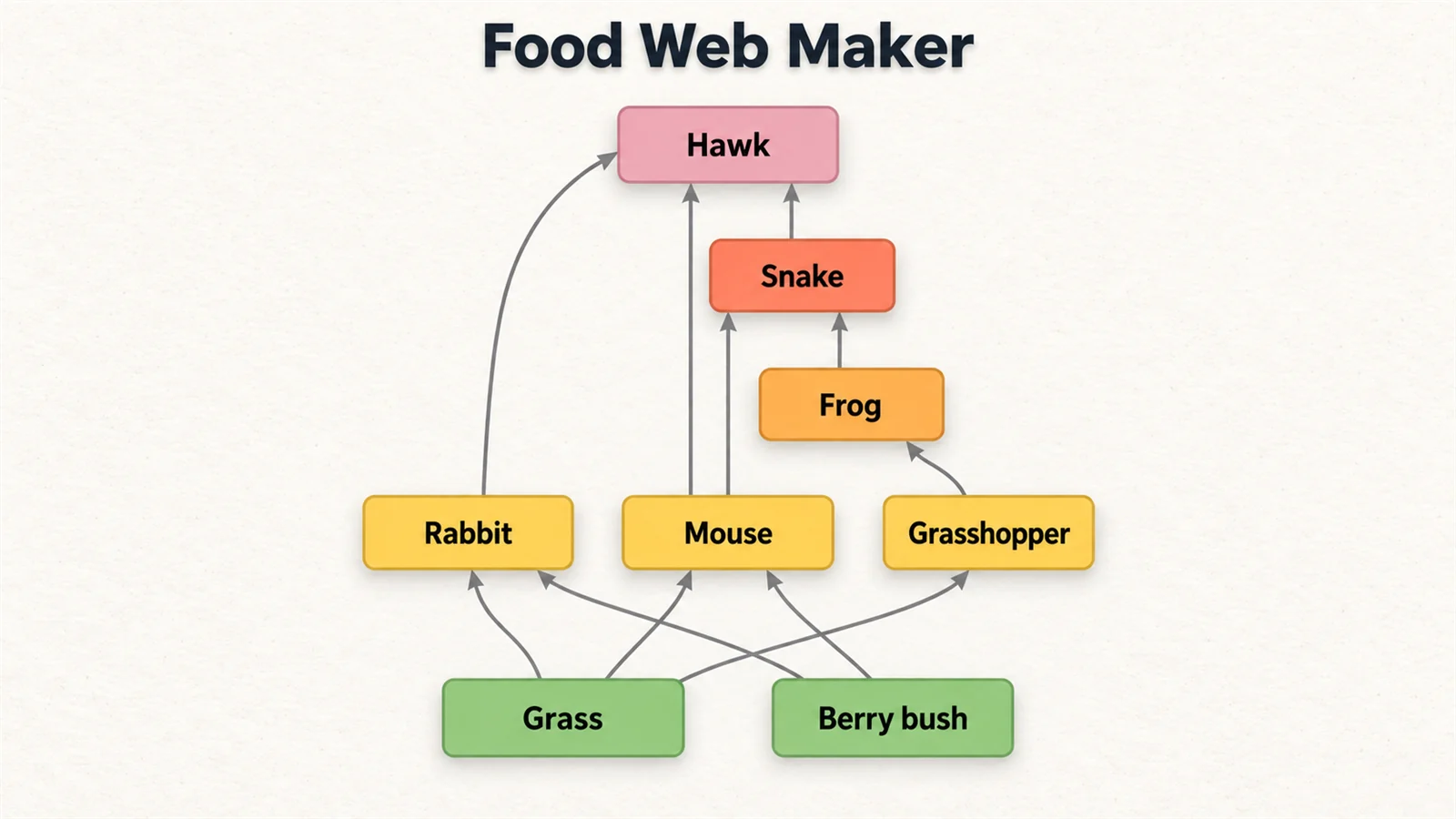
Build food chains and webs with trophic levels worked out for you.
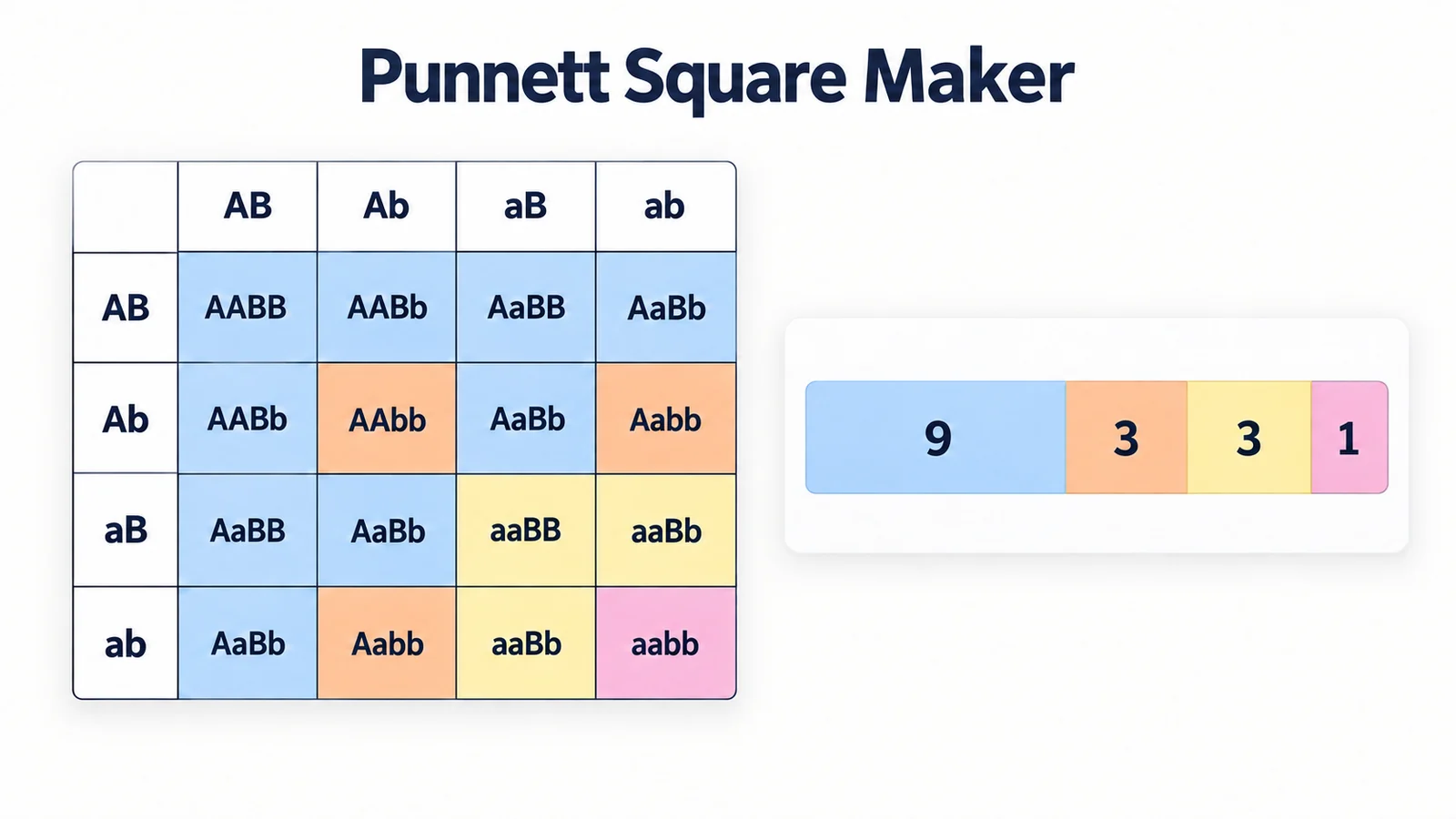
Punnett Square Maker
Build genetics crosses with genotype and phenotype ratios.
Need a labelled diagram rather than a key?
SciFigure AI draws labelled biology diagrams, worksheets, and publication-ready figures from a description.
Explore the diagram generatorsLast checked: September 20, 2026. Sources: Royal Society of Biology: using identification keys; Okabe & Ito, colour-blind safe palette.