Generate a publication-ready PNG from your paper idea.
Preview
TOC Graphics Example Previews
Target aspect ratio: 16:9
Sample previews. Describe your paper idea to generate your own TOC figure.
TOC graphic examples
Click any example to load its prompt, or adapt it as a starting point for your own graphical table of contents.
Prompt
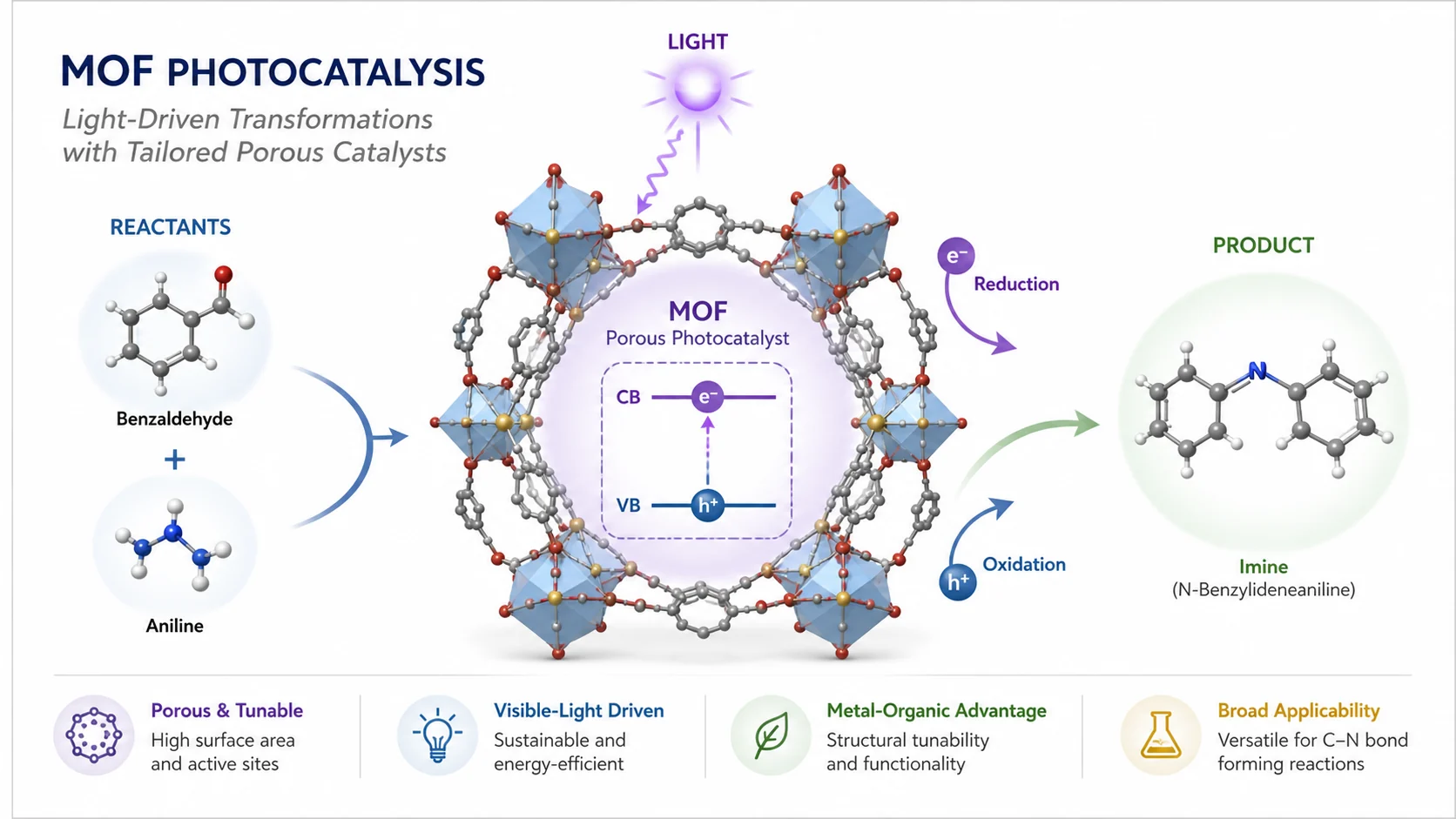
Create a journal TOC graphic for a MOF photocatalysis paper. Show a compact framed composition with the MOF structure, light activation, reactant molecules, reaction arrows, and a small product outcome. Use minimal text, crisp labels, and a clean white background.
Use this example
Prompt
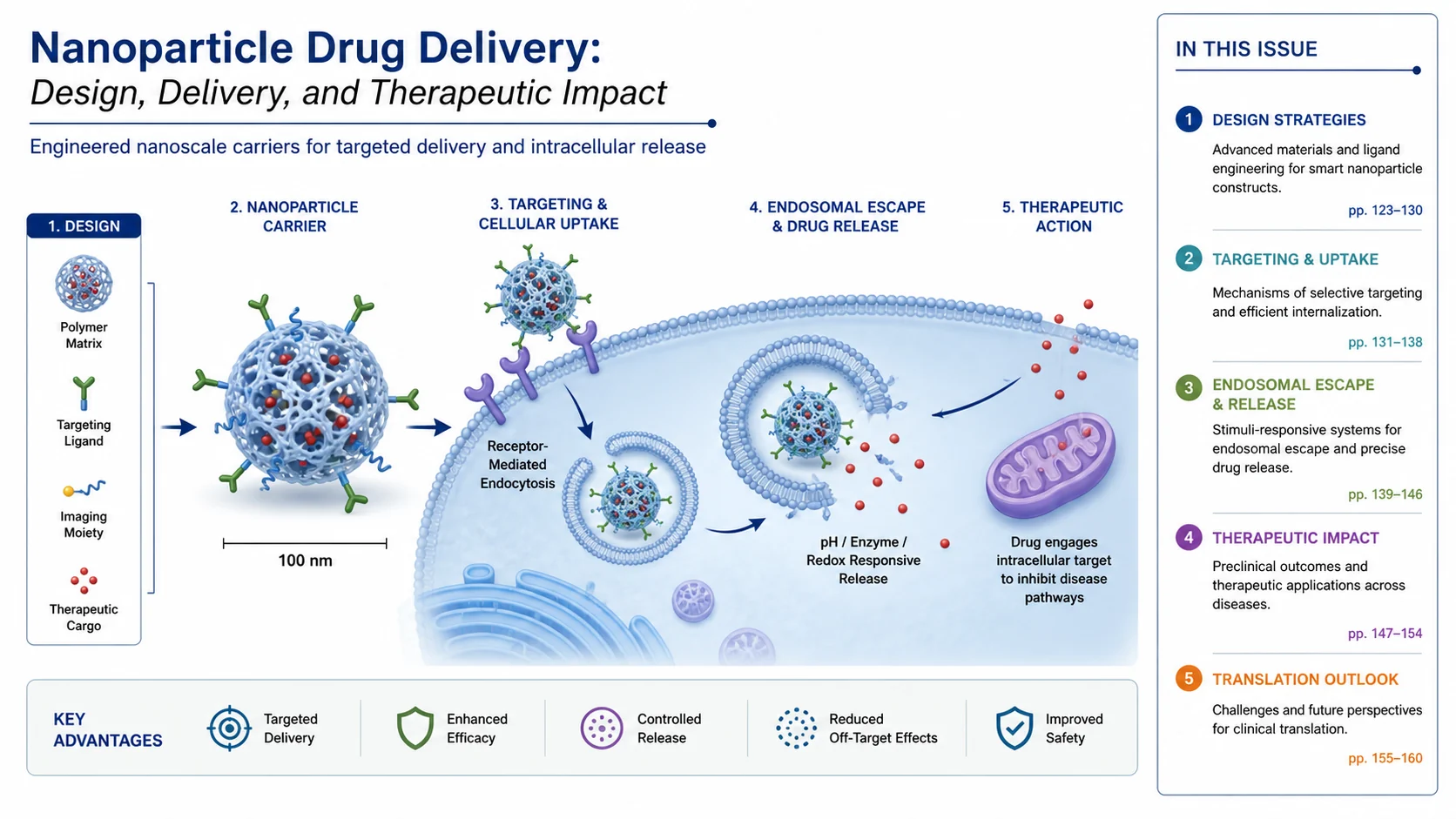
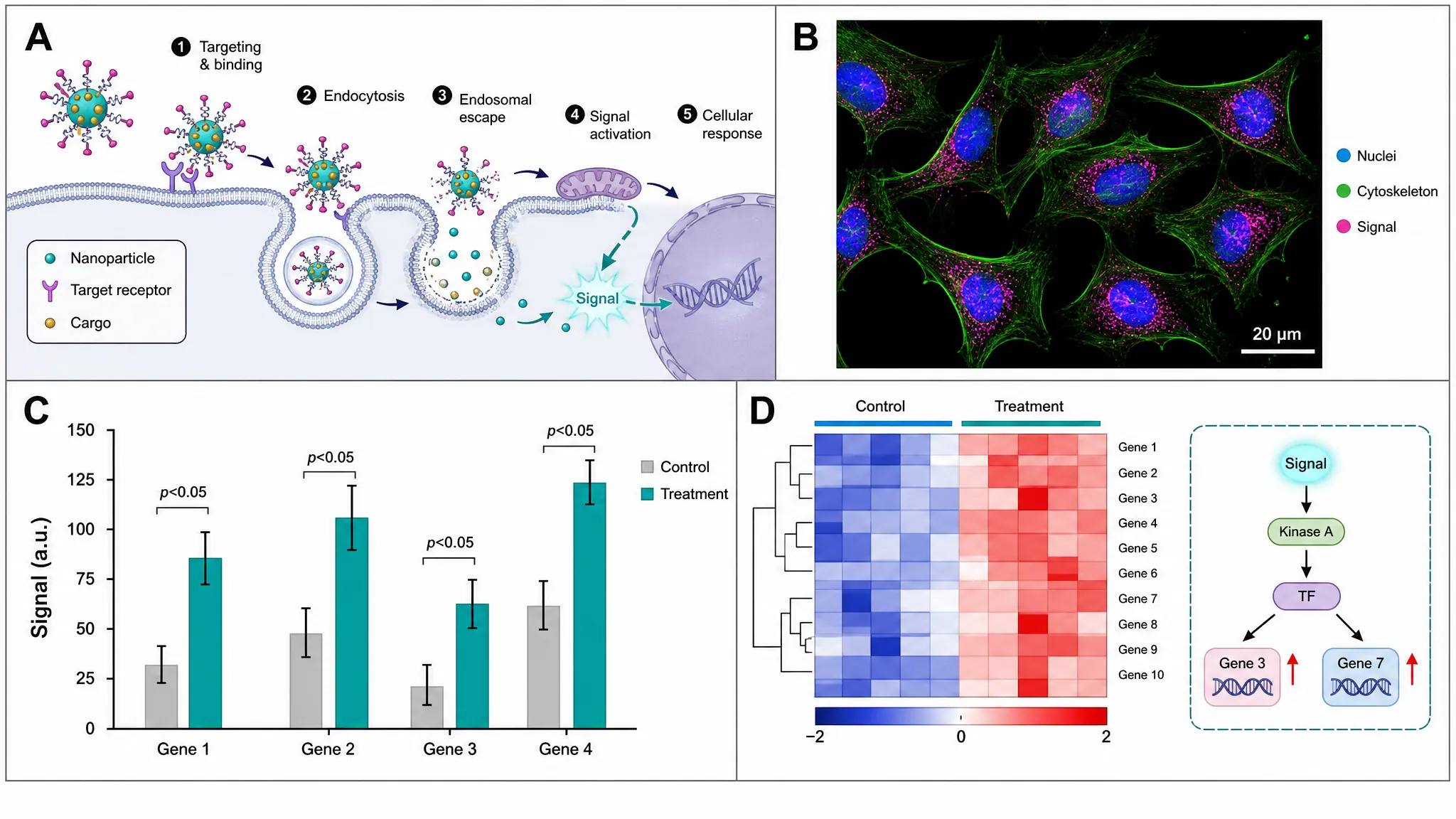
Create a journal TOC graphic for a nanoparticle drug delivery study. Show a compact central carrier particle, target tissue, release arrows, and a small outcome cue. Keep the layout framed, with concise annotations and strong visual clarity.
Use this example
Prompt
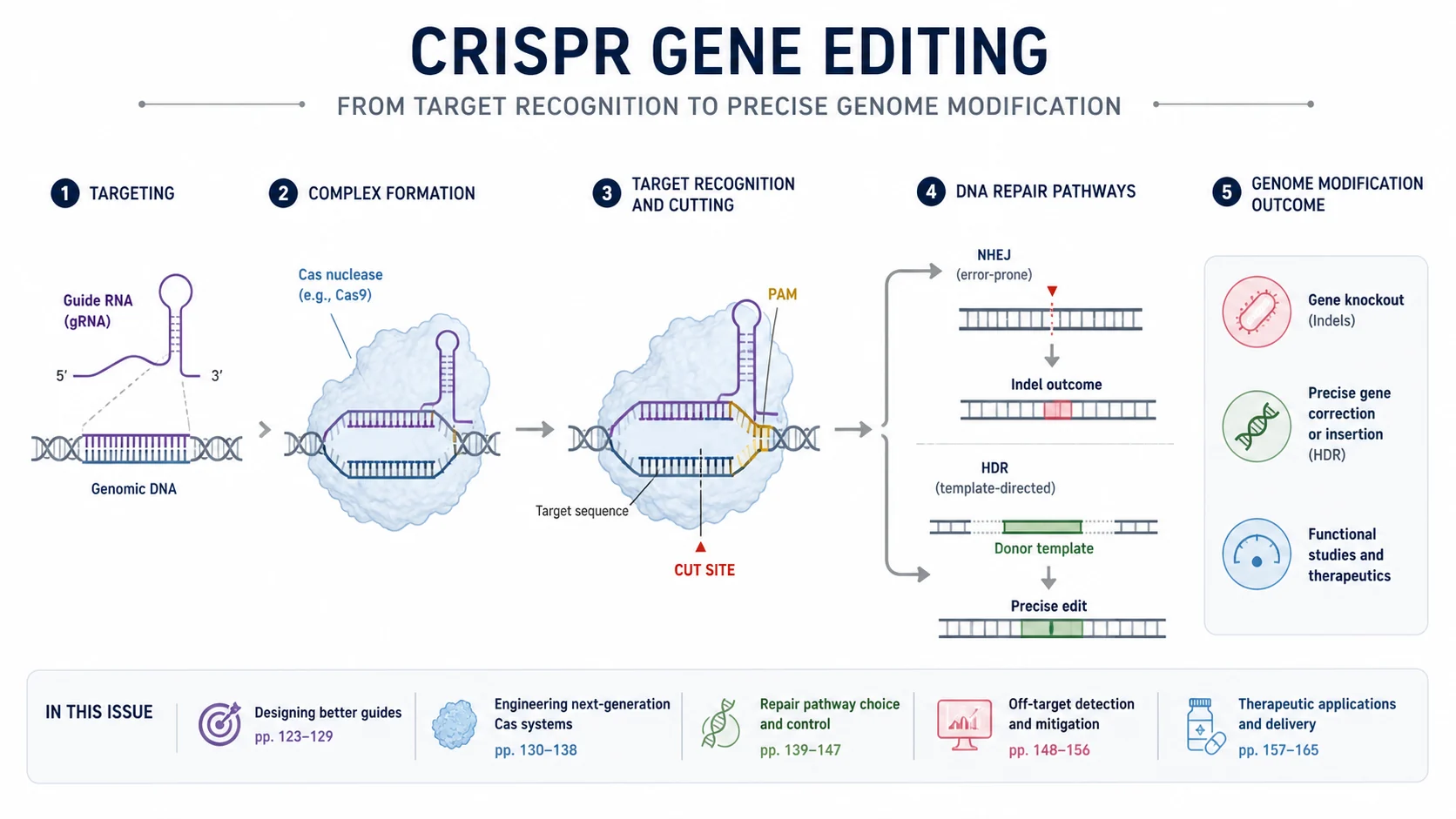
Create a journal TOC graphic for a CRISPR gene editing paper. Show DNA target, guide RNA, Cas complex, editing action, and a clean result cue. Use a compact framed layout with a small number of labels and a white background.
Use this example
Prompt
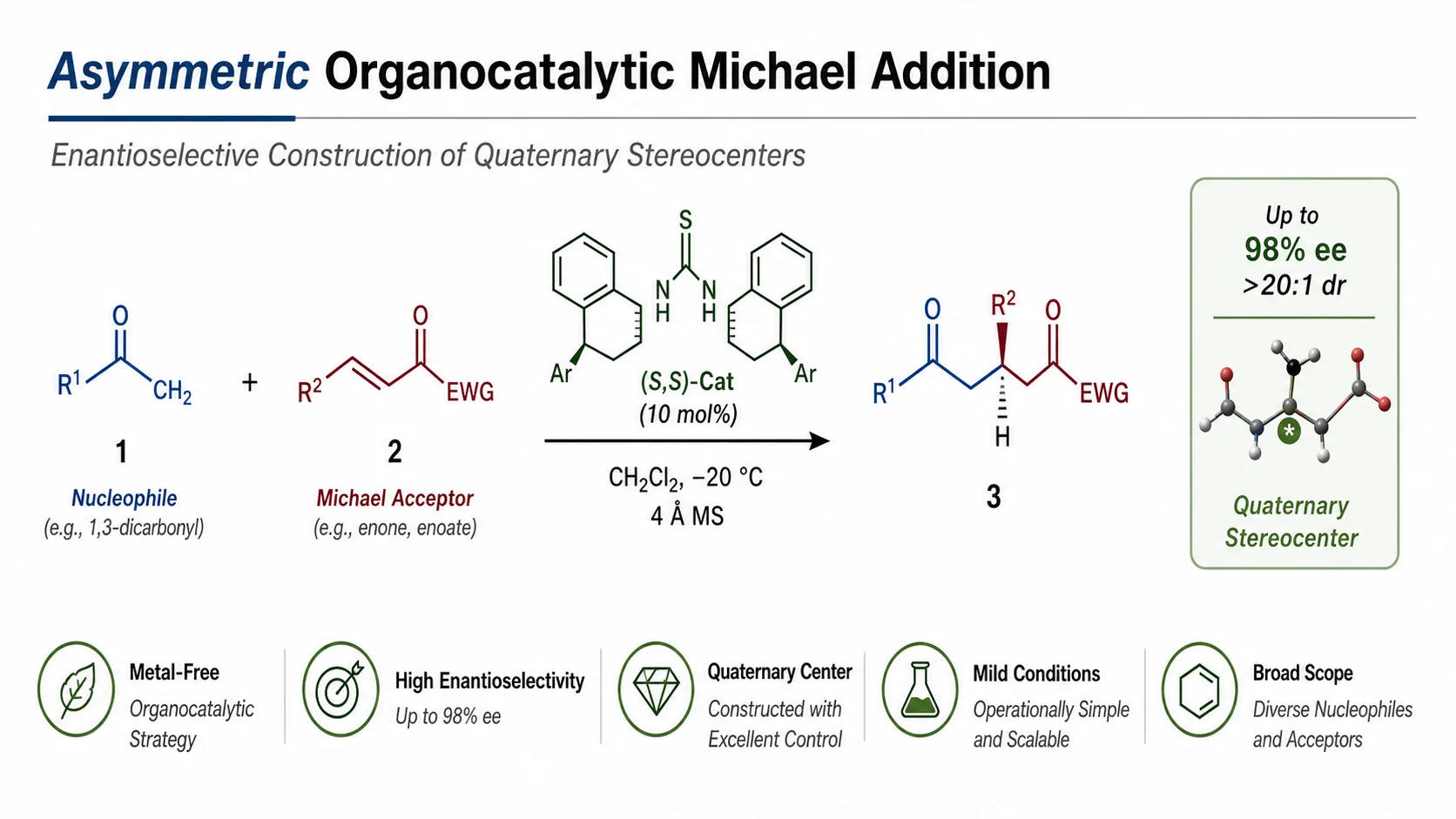
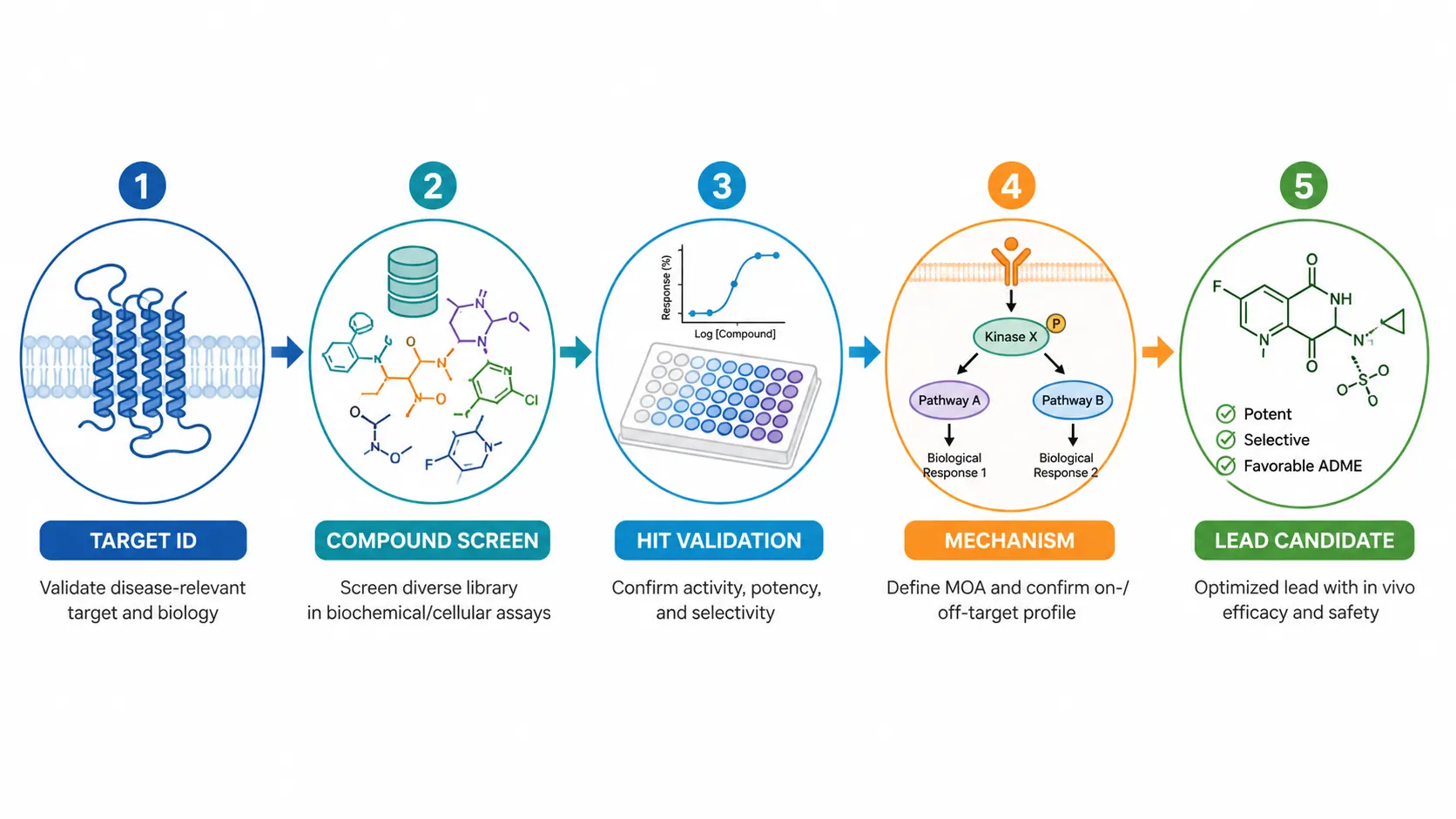
Create a journal TOC graphic for an asymmetric synthesis paper. Show a central reaction scheme, selectivity cue, product outcome, and concise chemistry labels. Keep the composition compact and publication-ready with a framed look.
Use this example
Prompt
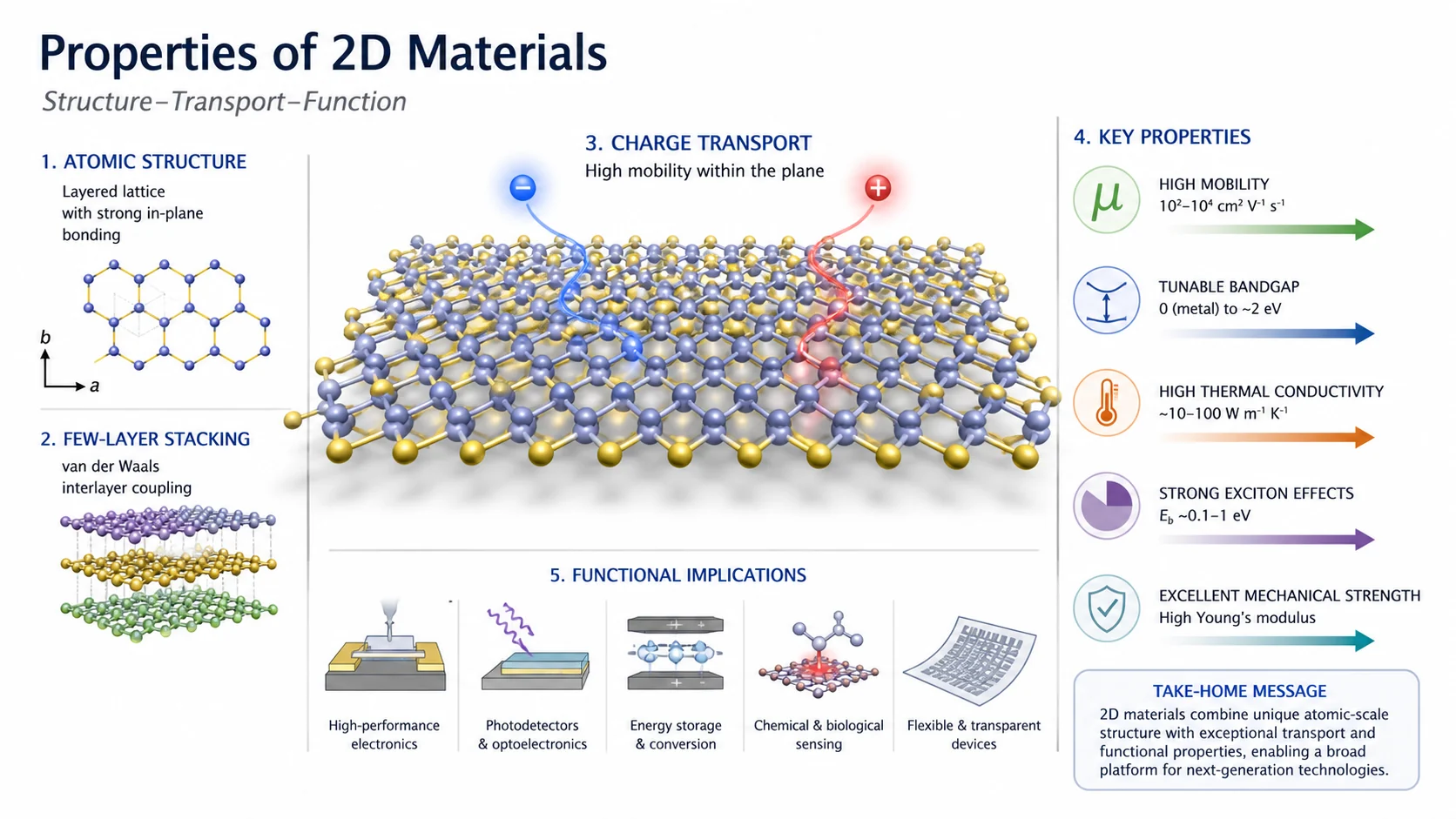
Create a journal TOC graphic for a 2D material properties paper. Show a layered lattice, property cues, arrow flow, and a compact central scientific motif. Use crisp labels, strong framing, and a clean white background.
Use this example
Prompt
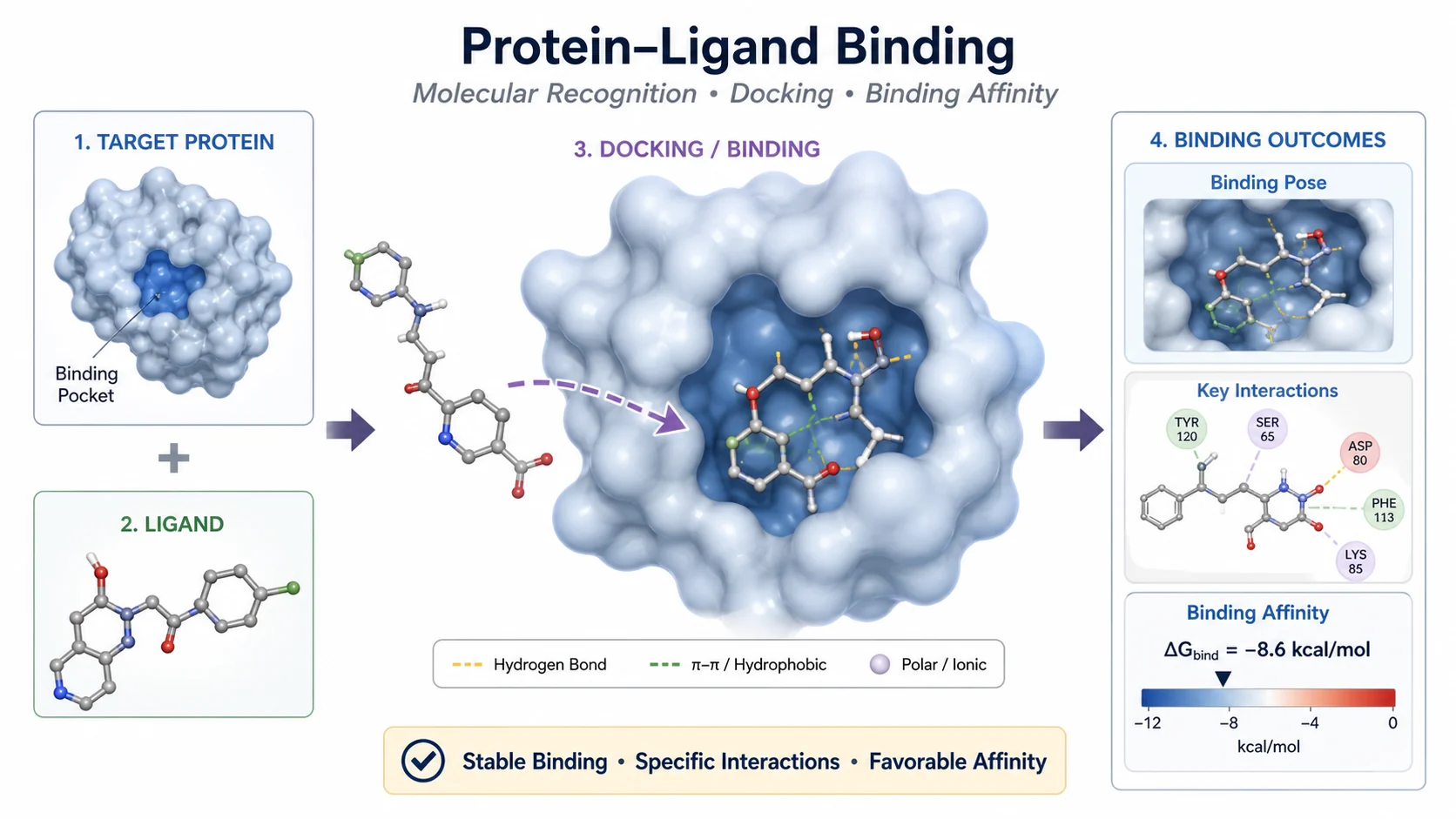
Create a journal TOC graphic for a protein-ligand binding study. Show the protein surface, ligand approach, binding pocket, and a clear outcome cue. Keep the layout compact, framed, and easy to scan as a journal TOC figure.
Use this example
How to plan your TOC graphic
1
Choose the central idea
Describe the paper result, mechanism, molecule, or concept that should become the single focal point of the TOC graphic.
2
Keep the framing compact
Ask for a small number of labels, a framed composition, and only the details a reader needs to understand the article quickly.
3
Generate and review
Create the TOC graphic, then tighten labels, arrows, and balance until the figure reads clearly as a journal summary visual.
What does this TOC graphics generator do?
It turns a plain-text description into a compact journal figure that summarizes the paper in a single visual. The layout stays framed, centered on one idea, and light on labels so it reads clearly at thumbnail size.
Why use a TOC graphic generator
Create a compact article summary visual faster than arranging the layout by hand.
Keep the figure framed and focused on the central scientific idea.
Produce graphics that fit journal TOC expectations and article landing pages.
Iterate on labels and composition without needing formal illustration skills.
How to make a TOC graphic
Start by naming the paper’s key finding, then choose the central molecule, structure, or process that should anchor the figure. Add only the labels and arrows needed to make the result understandable at a glance, and keep the composition compact and framed.
Parts of a journal TOC graphic
Central visual motif that captures the paper’s key result.
Reaction arrows, structure cues, or process indicators.
Readable labels and compact annotations.
A clean frame or soft boundary that holds the composition together.
Minimal text so the graphic stays journal friendly.
TOC Graphics Generator FAQ
It is a small journal figure that summarizes the paper in a single compact visual, often with a central concept, light annotation, and a clean frame.