Tool Comparisons
Best Scientific Illustration Software for Research Figures
Compare the best scientific illustration software for AI figure drafts, biology diagrams, vector editing, chemistry structures, posters, and data visualization.
 SciFigure AI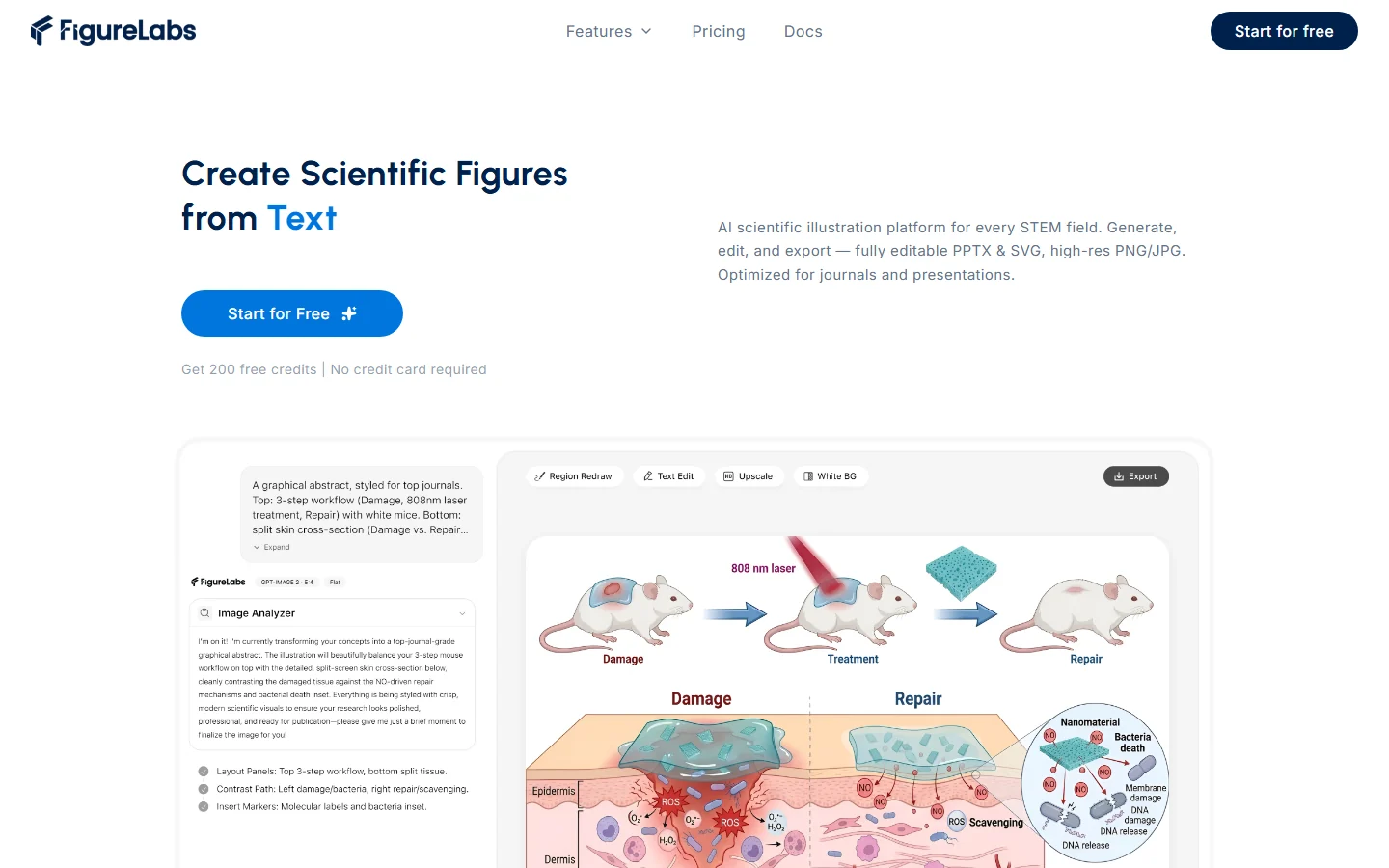
The best scientific illustration software depends on what you are trying to make. A graphical abstract, a biology pathway, a chemistry structure, a thesis figure, and a data visualization panel all need different strengths.
This guide compares common options and helps you choose a workflow by use case.
Quick Recommendations
| Use case | Best fit |
|---|---|
| Fast AI scientific figure draft | SciFigure AI |
| Biology icon library and manual layouts | BioRender |
| AI figure generation and editing | FigureLabs or SciFigure AI |
| Scientific illustration alternative to SciDraw | SciFigure AI or SciDraw |
| Advanced vector editing | Adobe Illustrator or Inkscape |
| Chemistry structures | ChemDraw or a chemistry-specific tool |
| Lab posters and teaching visuals | SciFigure AI, PowerPoint, or Canva |
| Research data charts | SciFigure AI data visualization tools, R, Python, or GraphPad Prism |
1. SciFigure AI
SciFigure AI is best when you want to generate scientific figures from prompts, sketches, references, or uploaded data.
It is useful for:
- Graphical abstracts.
- Cell and pathway diagrams.
- Scientific posters.
- Data visualization panels.
- Thesis and classroom figures.
Start with AI Drawing, browse all tools, or use the scientific data visualization tools.
2. BioRender
BioRender is known for biology-focused icon libraries and manual figure assembly. It is a good fit when you want to build a figure from consistent icons and place every element by hand.
If you want an AI-first workflow, see our BioRender alternative guide.
3. FigureLabs
FigureLabs focuses on creating scientific figures from text and editing them for publication workflows. It is a relevant option for researchers comparing AI figure generation tools.
For a deeper comparison, read FigureLabs alternative for AI scientific figure generation.
4. SciDraw
SciDraw is another AI scientific drawing tool for researchers, students, and educators. If you are comparing AI-first scientific illustration products, include SciDraw in your shortlist.
Read SciDraw alternative for scientific illustration for a focused comparison.
5. Adobe Illustrator and Inkscape
Adobe Illustrator is powerful for professional vector editing, but it has a steep learning curve. Inkscape is a free alternative for vector editing, but it is not designed specifically for scientific figure generation.
See Adobe Illustrator alternatives for scientific figures if your main concern is editing and export control.
6. ChemDraw
ChemDraw is still one of the most recognizable tools for chemical structures and reaction schemes. For biology diagrams, graphical abstracts, or data visualization, you may want to pair it with another figure tool.
See ChemDraw alternatives for chemical structures.
How to Choose
Choose by workflow, not by brand:
- If you need a fast first draft, use an AI figure generator.
- If you need exact manual vector control, use Illustrator or Inkscape.
- If you need chemistry structures, use chemistry-specific software.
- If you need charts for a manuscript, use a data visualization workflow.
- If you need a complete paper figure pipeline, combine AI illustration with chart generators.
Bottom Line
For many researchers, the best setup is not one tool. Use SciFigure AI for fast figure drafts, biology diagrams, and data visualization, then use vector or slide software only when you need final manual edits.