Tool Comparisons
Best BioRender Alternatives in 2026 (Free and Paid)
The best BioRender alternatives in 2026, from free libraries like Bioicons and Servier Medical Art to Inkscape, Illustrator, Canva, and AI figure tools.
 SciFigure AI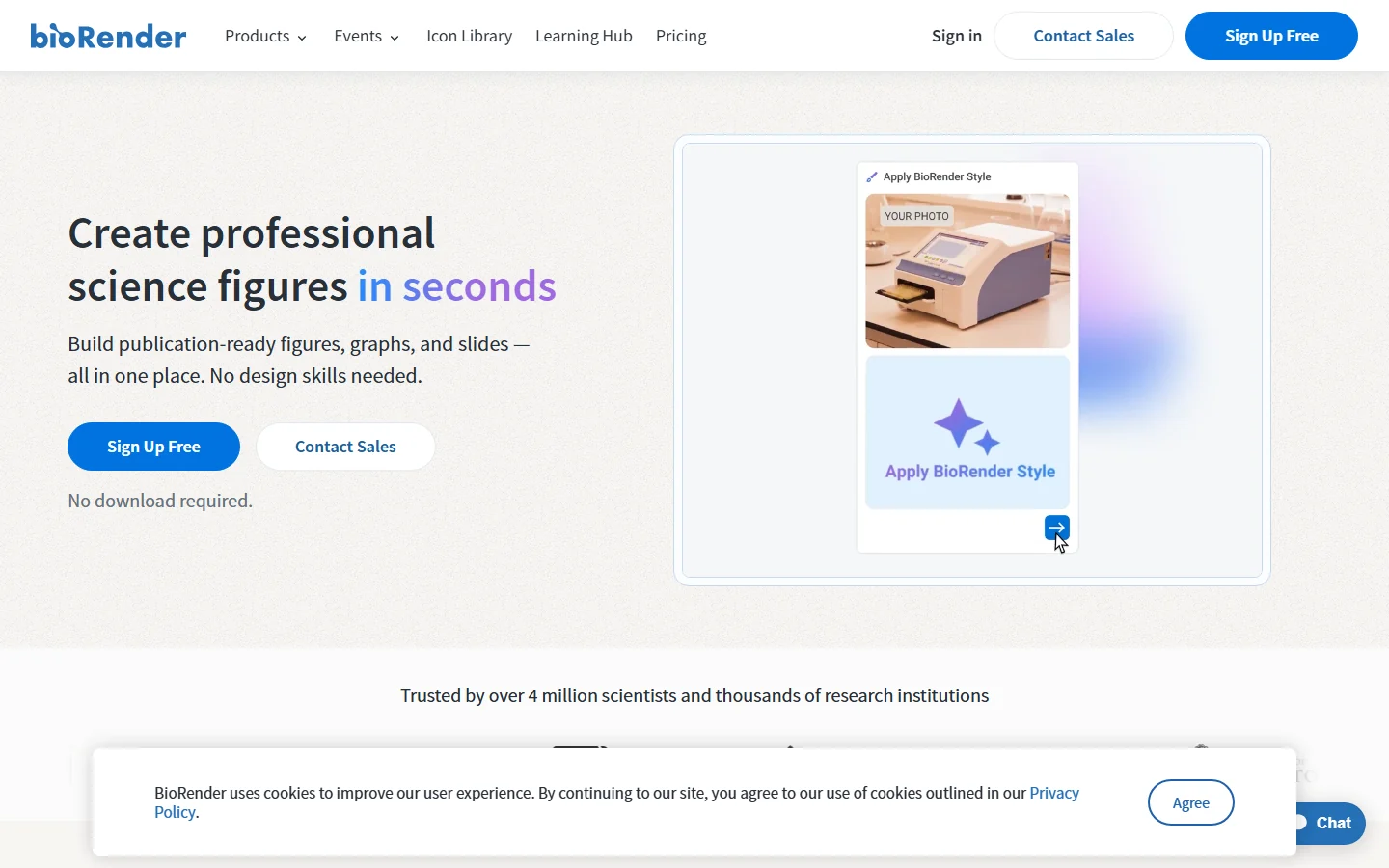
BioRender is a familiar way to build biology figures from an icon library, but it is not the only option. Depending on your budget and workflow, a free icon library plus a vector editor, a general design tool, or an AI figure generator may suit you better.
This roundup covers seven tools, each with what it is best for, its pricing model, and honest pros and cons. If you want a direct side-by-side on pricing, AI generation, and data charts, see our BioRender alternative comparison.
Pricing and licensing below were checked on each tool's official site on September 15, 2026. Prices change, so confirm before you buy.
Quick comparison
| Tool | Best for | Pricing model |
|---|---|---|
| Mind the Graph | Science infographics from a large illustration library | Free Starter plan with watermark; paid plans (see official site) |
| Servier Medical Art | Free medical and anatomy illustrations | Free, CC BY 4.0 (credit required) |
| Bioicons + Inkscape | A fully free icon-to-vector workflow | Free; each icon has its own license |
| Inkscape | Free vector editing and final layout | Free and open source (GPL) |
| Adobe Illustrator | Professional vector editing | Subscription, US$22.99/mo (annual, billed monthly) |
| Canva | Quick posters, slides, and simple graphics | Free plan; paid Pro, Business, and Enterprise plans (see official site) |
| SciFigure AI | AI figure drafts from prompts or sketches, plus data charts | Credit packs from $1 or plans from $15/mo; free credits for charts only |
1. Mind the Graph
Best for: researchers who want a BioRender-like library of ready-made science illustrations and templates for graphical abstracts and infographics.
Pricing: a free Starter plan with no credit card required, plus paid plans. See the official site for current prices.
Pros:
- A library of more than 75,000 science illustrations across 80+ fields.
- Built for science figures, graphical abstracts, and infographics, with infographic templates.
- Paid plans remove the watermark and add more figures and illustration requests.
Cons:
- Free users must keep the Mind the Graph watermark and cite the platform in publications, lectures, and presentations.
- The free plan is meant for trying the platform and informal use.
2. Servier Medical Art
Best for: free anatomy, physiology, pathology, and medical illustrations you can reuse with credit.
Pricing: free. Images are licensed under CC BY 4.0, which allows reuse and adaptation, including commercial use, as long as you credit Servier Medical Art.
Pros:
- More than 3,000 professional medical illustrations.
- A clear, permissive license that allows remixing and commercial use.
Cons:
- Attribution is required every time you use an image.
- It is an image library, not an editor, so you still need a tool such as Inkscape or PowerPoint to assemble a figure.
3. Bioicons + Inkscape
Best for: a fully free workflow: download science icons from Bioicons and arrange them in Inkscape.
Pricing: free. Bioicons is a free library of about 2,800 science illustrations, and each icon carries its own license (CC0, CC BY, CC BY-SA, BSD, or MIT).
Pros:
- No cost at any stage.
- Icons are vector files, so they scale cleanly and are easy to recolor.
- Each icon's license is shown on the site, so you know what attribution you owe.
Cons:
- Attribution rules differ by icon; CC BY and CC BY-SA icons need credit.
- You assemble everything by hand, which takes longer than a dedicated figure app.
4. Inkscape
Best for: free, precise vector editing and final layout of figures from any source.
Pricing: free and open source under the GPL, for Windows, macOS, and Linux.
Pros:
- Uses SVG as its native format and imports and exports SVG, PDF, EPS, AI, and PNG.
- Good for cleaning up exported charts and icon-based figures.
- Extensible with add-ons.
Cons:
- No built-in science icon library.
- A general vector editor, so figure layout is manual.
5. Adobe Illustrator
Best for: designers and researchers who need professional vector tools and already work in Creative Cloud.
Pricing: subscription. The Illustrator plan was listed at US$22.99/mo on annual billing, paid monthly, with a 7-day free trial. Student and teacher pricing is offered through Creative Cloud Pro.
Pros:
- Deep vector editing control for final publication artwork.
- Desktop, iPad, and web versions.
Cons:
- Ongoing subscription cost.
- No science icon library included, so you still need a source such as Bioicons or Servier Medical Art.
6. Canva
Best for: quick posters, slides, and simple lab or teaching graphics.
Pricing: a free plan plus paid Pro, Business, and Enterprise plans, with a free trial of Pro. See the official site for current prices.
Pros:
- A free plan you can start with before paying.
- Useful for posters and presentations where speed matters more than scientific detail.
Cons:
- A general design tool, not built for scientific figures, so check that its elements cover your subject.
- For precise vector cleanup, you may still want Inkscape or Illustrator.
7. SciFigure AI
Best for: turning a text prompt or rough sketch into a scientific figure draft, and making data charts from CSV or Excel files.
Pricing: credit-based. AI illustration requires a paid purchase: any credit pack, starting at $1 for 10 credits valid 7 days, or a subscription from $15/month. New accounts get 10 free credits valid 7 days, and signed-in users get 5 bonus credits per day, but free credits only work for data charts (5 credits per chart).
Pros:
- Generates a figure draft from a description or sketch instead of starting from a blank canvas.
- 26 chart generators, including Kaplan-Meier, ROC, volcano, and dose-response charts.
- No watermark on outputs.
- Editable Export produces SVG or PPTX with editable text, arrow, label, and callout layers over the figure image.
Cons:
- No drag-and-drop icon library.
- AI illustration is not available on free credits.
- The base illustration is a raster image, not fully editable vector artwork.
- No team collaboration features.
How to choose
- No budget: Servier Medical Art or Bioicons for images, and Inkscape to assemble them.
- You want a BioRender-style library: Mind the Graph.
- You need final vector polish: Inkscape or Adobe Illustrator.
- You need a poster or slide fast: Canva.
- You are stuck at the first draft or need data charts too: SciFigure AI.
Many researchers combine tools: an icon library for components, a vector editor for layout, and a chart generator for data panels.
Bottom line
There is no single best BioRender alternative for everyone. Free libraries plus Inkscape cost nothing but take more manual work, Illustrator gives the most control, Canva is fastest for simple layouts, and AI tools help most at the blank-page stage.
For a detailed feature and pricing table of SciFigure AI against BioRender itself, read SciFigure AI as a BioRender alternative.